Service Robot
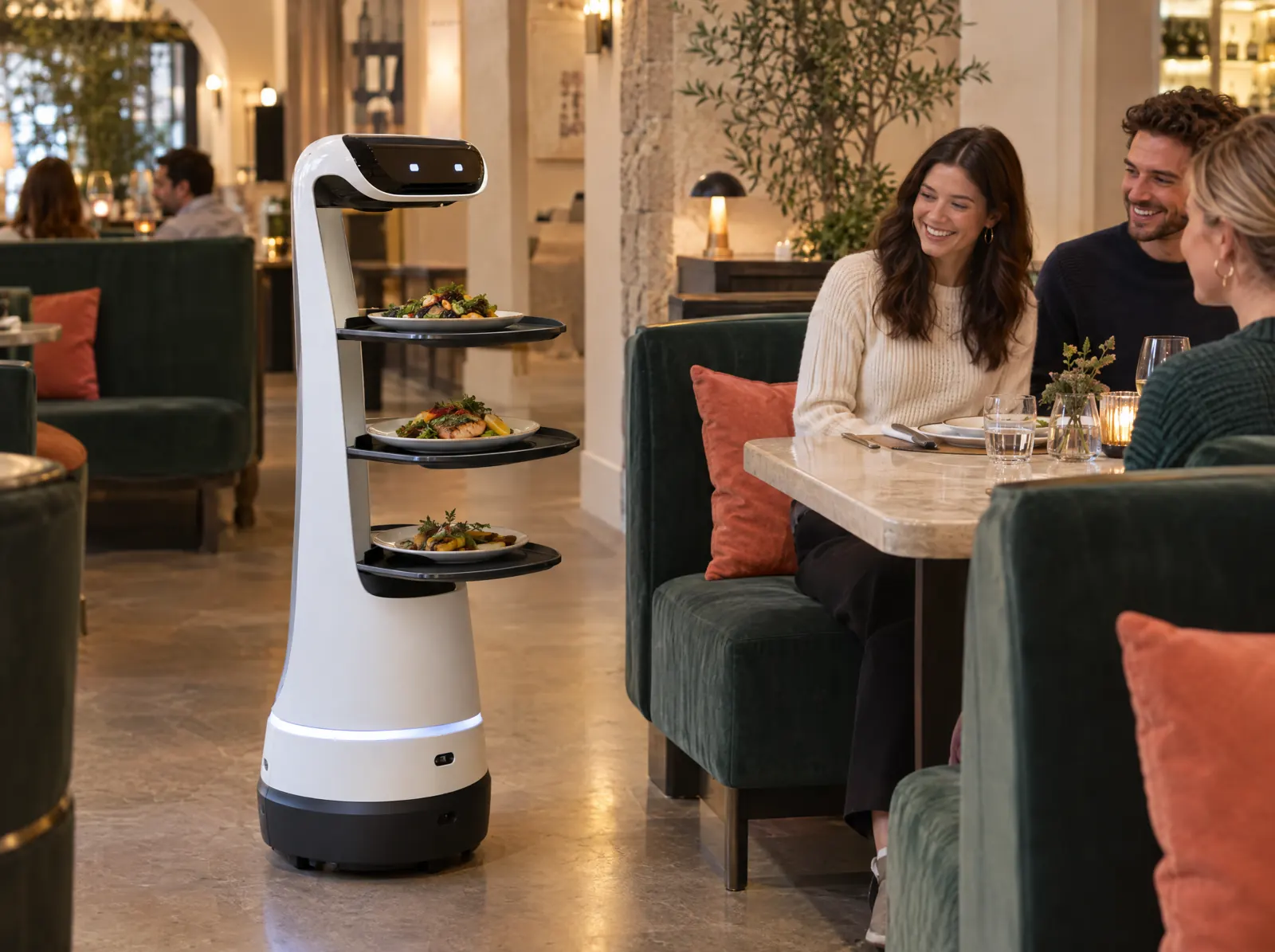
An order ready in the kitchen goes to the table by robot.
What does it solve?
At peak time service staff can't keep up and plates ready in the kitchen go cold. The robot integration carries the ready order to the table and leaves staff to the guest at the table.
Service Robot sends an order marked ready on the kitchen display to the robot as a table-targeted task through the manufacturer's API. The robot's status (on the way, delivered, returning) shows on the kitchen display; tasks can also be sent manually. PergePOS doesn't sell robots; the integration contract is with the manufacturer.
What happens on the floor?
What happens on the staff and guest screens, then what you do in the venue panel.
- An order marked ready in the kitchen goes to the robot as a task with the table number.
- The robot's on the way, delivered and returning status on the kitchen display.
- If needed the robot is sent on a task or called back manually.
What do you do in the panel?
Business panel: pergepos.com/app/…/integrations
- Manufacturer API key and robot identity in the integration settings.
- Which robot models are supported depends on the agreement with the manufacturer.
- The robot and its maintenance come from the manufacturer; PergePOS provides only the integration.
How it works
From setup to the first order, the module's path through a service.
Step 1: The robot is connected
A robot bought from the manufacturer is connected to PergePOS with the API key and the table map.
Step 2: The order is ready
An order marked ready on the kitchen display becomes a table-targeted task.
Step 3: The robot takes it to the table
The task goes to the robot; its status is followed on the kitchen display and closes on delivery.
Which package?
This module opens by quote.
It depends on a payment institution or manufacturer agreement; we prepare an official quote for your business and send it by email.
Frequently asked questions
Can I buy the robot from PergePOS?
No; the robot and its maintenance are bought from the manufacturer. PergePOS enables the integration by quote.
Which robots are supported?
The model choice and the manufacturer agreement aren't final yet; we share the current status in the quote conversation.
Is the kitchen display required?
Yes; the task is created from the ready mark on the kitchen display. Service Robot works together with Kitchen Display.
Used together with
This module is most often used with these.
- Kitchen DisplayTouch kitchen and bar screen: stations, preparing/ready, timing, waiter notifications.
- POSDine-in, quick service, delivery and retail sales; checks, splitting, discounts, refunds, shifts, cash drawer, Z report, offline.
- Restaurant KioskSelf-service ordering and payment, order number and call screen, upsell suggestions.
Let’s set it up together.
Tell us about your venue and what you expect from this module; we'll work out the plan and quote together.