POS
Tables, checks, payment and end of day on one terminal.
What does it solve?
An order travelling from table to kitchen to till passes through many hands and pieces of paper; checks get lost, split bills get confused, end of day takes hours. POS keeps every step in one record: what was ordered, who sent it, how it was paid.
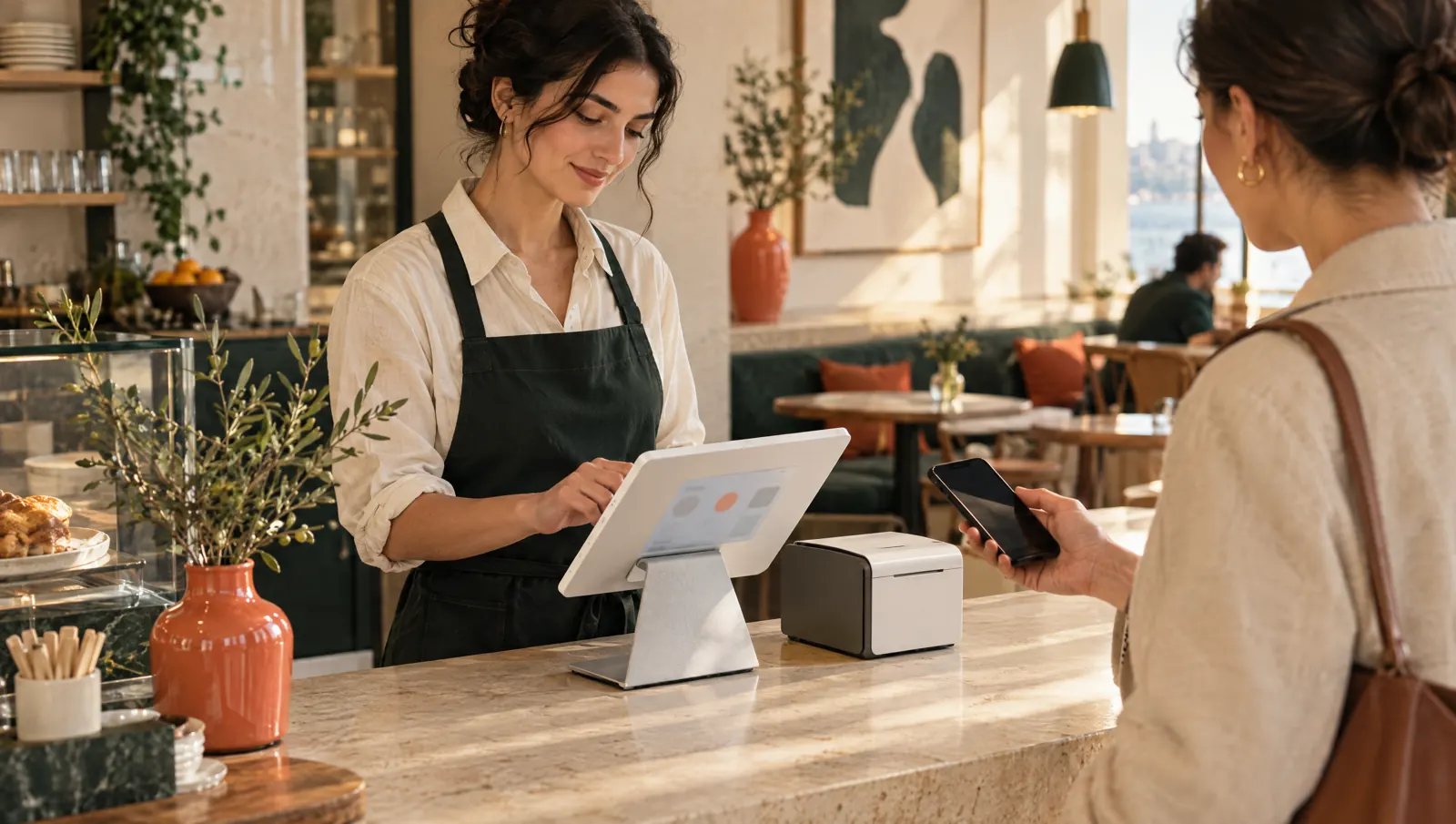
POS runs dine-in, quick service, delivery and retail sales on a single check model. The waiter opens the table, adds items with their options and sends them to the kitchen; the cashier splits and closes the bill and manages the shift and the drawer. Selling continues when the internet drops.
What happens on the floor?
What happens on the staff and guest screens, then what you do in the venue panel.
- Table plan by zone; opening, moving and merging tables, guest count.
- Orders with options and notes; "Send to kitchen" fires a station ticket and the kitchen display round by round.
- Split the bill by guest, item or equal parts; discounts, comps and refunds with approval thresholds.
- Partial or full payment by cash, card, meal card, transfer, ledger, points and gift card; tips.
- Open and close shifts, cash movements, X and Z reports, handing over checks.
- When the connection drops, transactions queue on the device and sync in order when it returns.
What do you do in the panel?
Business panel: pergepos.com/app/…/checks
- Follow open checks and table status live.
- Check history, transaction log, list of voids, refunds and comps.
- Suspicious-activity rules: alerts on frequent voids or high discounts.
- Approval thresholds, waiter payment rights, automatic service charge and printer routing.
How it works
From setup to the first order, the module's path through a service.
Step 1: A table is opened
The waiter or cashier picks the table on the POS terminal; a check is created. In quick service there is no table and the check opens directly.
Step 2: The order goes to the kitchen
Items are added with options and notes; each send is a round that lands on the station printer or the kitchen display.
Step 3: The bill is closed
Paid in full or split; the check slip prints and, per branch setting, a fiscal document is issued. The Z report closes the day.
Which package?
In the Standard package; 1,690 ₺ per branch per month (excl. VAT).
Prices exclude VAT and are per branch; two months free on yearly payment. The current amount is stated in the quote.
Frequently asked questions
What happens when the internet drops?
The POS terminal and waiter handheld log transactions on the device and send them to the server in order, without duplicates, once the connection returns. Two terminals in the same branch don't see each other while offline; that is planned for a later release.
How many devices can I connect?
Devices and staff are unlimited in the Standard and Pro packages. Each device is paired from the panel with a six-digit code and gets a role: POS, waiter, kitchen or courier.
Is the check slip a fiscal document?
No; the slip says so on it. Fiscal documents are issued manually on an external cash register, through a new-generation cash register integration, or as an e-document via a payment institution; which one is enabled is a branch setting.
Used together with
This module is most often used with these.
- Kitchen DisplayTouch kitchen and bar screen: stations, preparing/ready, timing, waiter notifications.
- QR MenuTable-side menu, ordering, waiter call, payment and takeaway; prices and stock synced with the POS.
- InventoryRecipes, purchasing, suppliers, counts, waste, inter-branch transfers, moving weighted average cost.
Let’s set it up together.
Tell us about your venue and what you expect from this module; we'll work out the plan and quote together.