Cafés
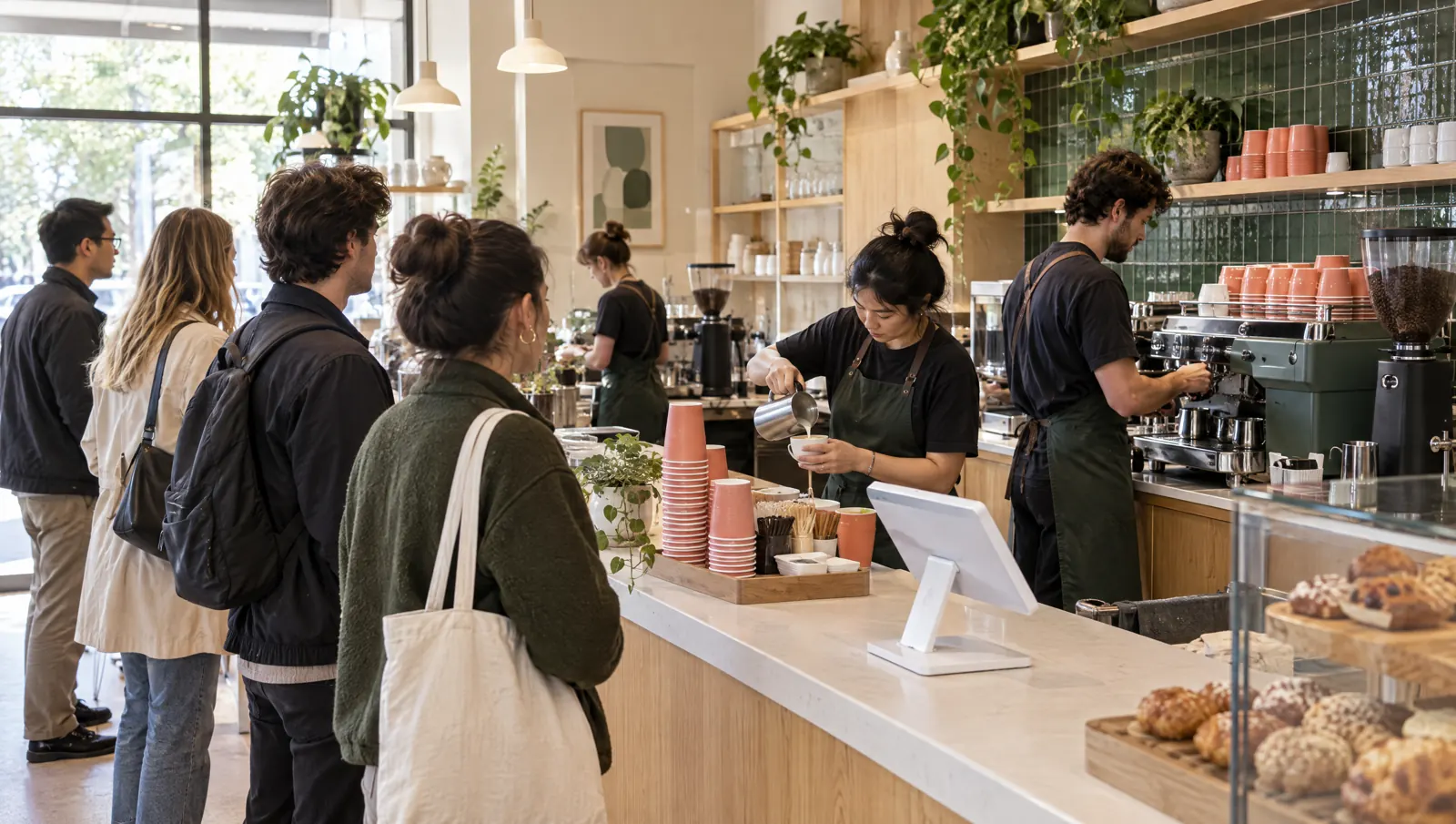
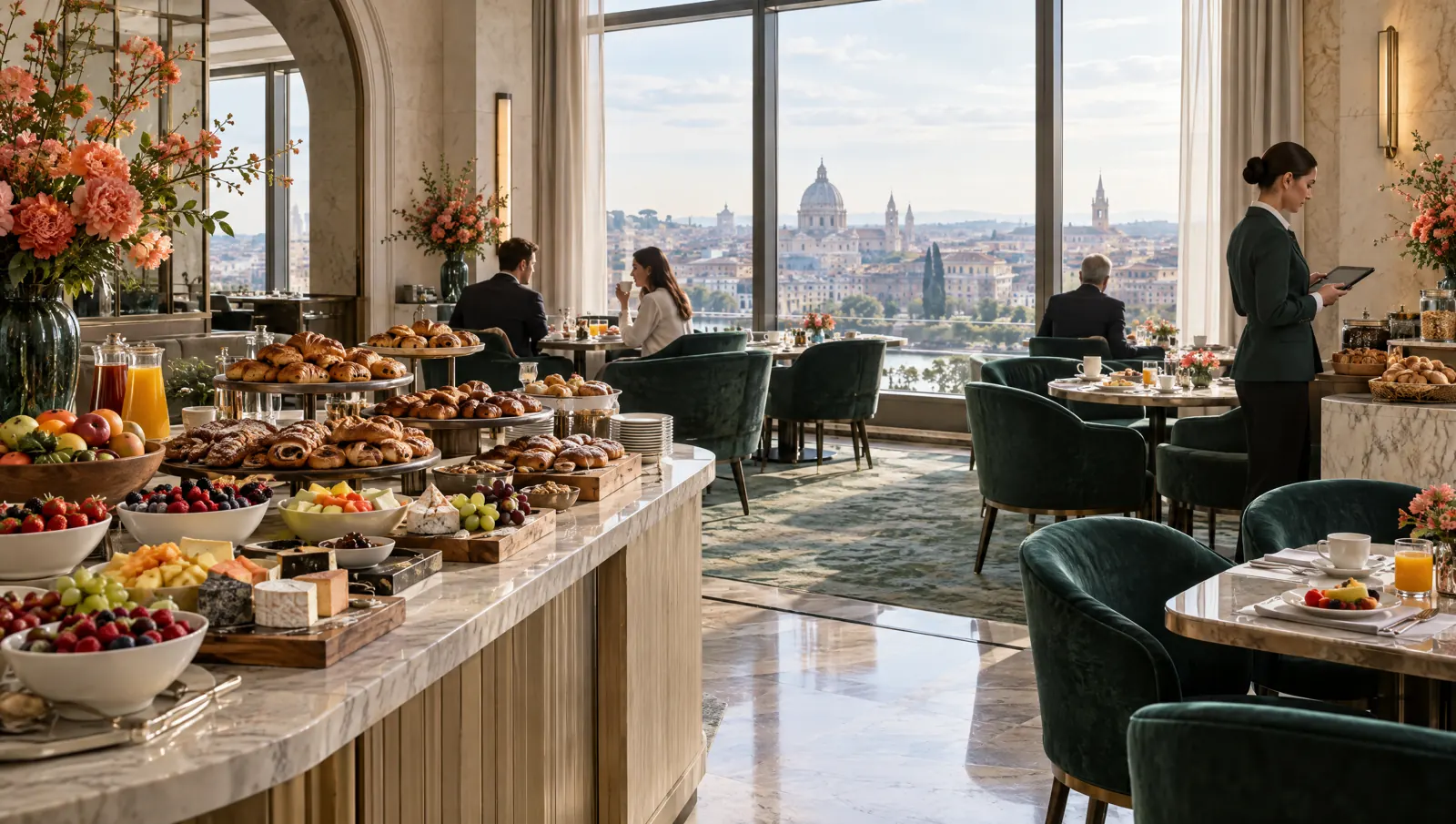
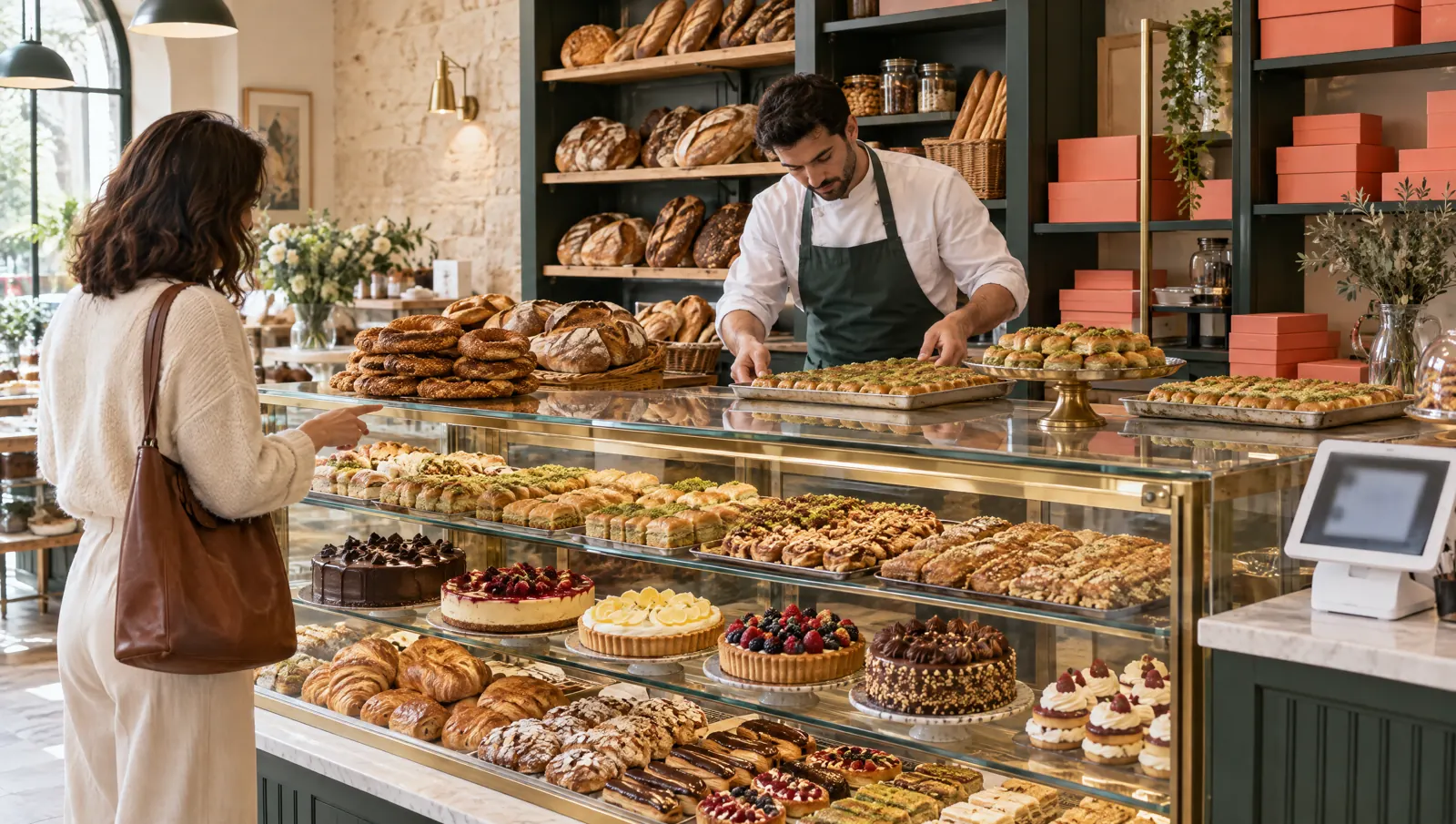
The same menu and till at the table and the counter.In a café some guests sit down and some take away from the counter. PergePOS keeps both in the same menu and shift; the QR menu lets guests at tables order themselves.
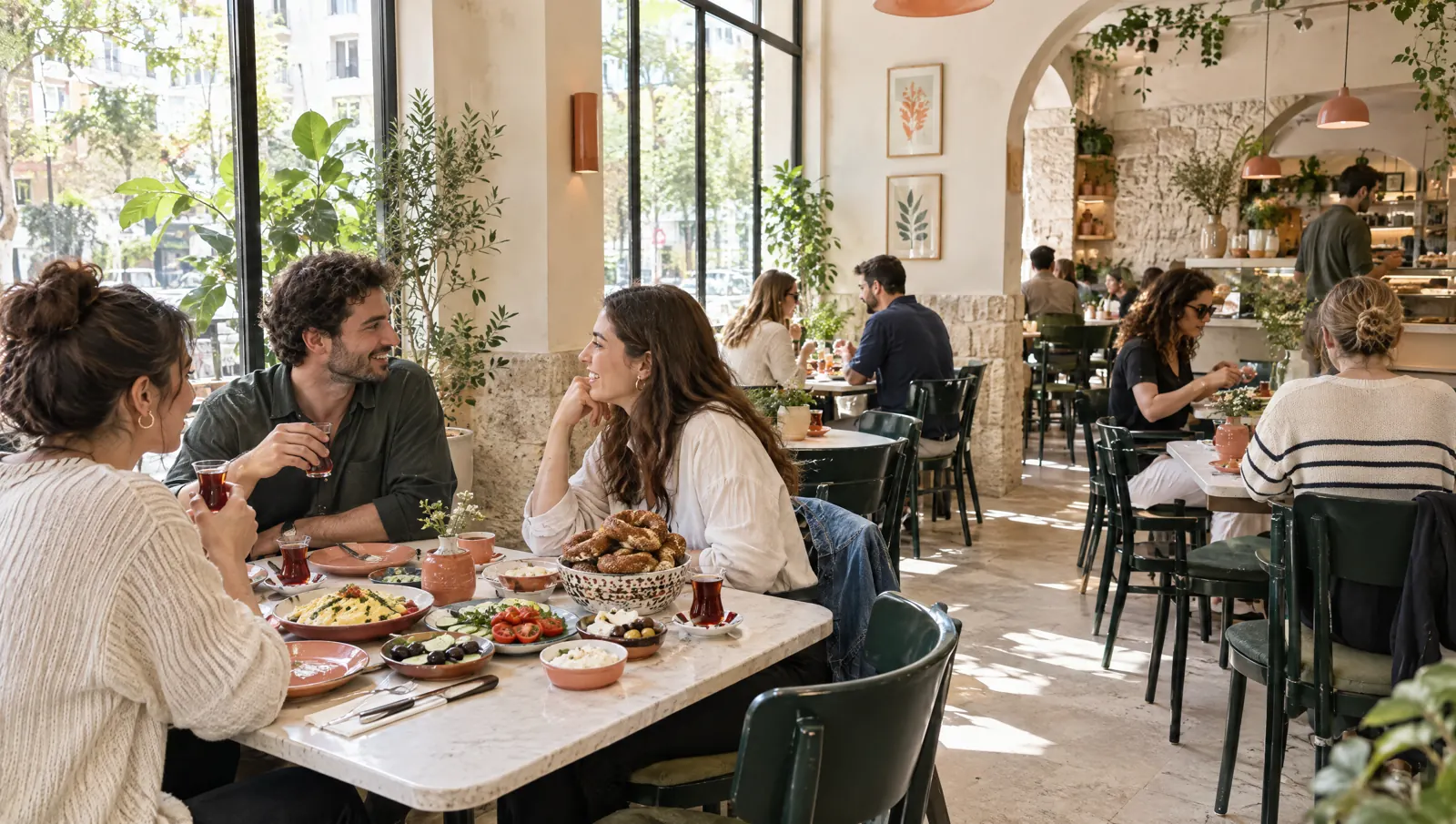
A day's flow.
Times are examples; the flow depends on your business.
08:00
Opening
The till opens and today's cakes go on the menu; sold-out items are hidden on the QR menu.
09:30
Morning
Quick sale at the counter, QR menu orders at tables. Drinks go to the bar screen, food to the kitchen.
12:30
Noon
Guests see their check on the QR menu and can pay with a payment link; cash and card are recorded at the till too.
16:00
Afternoon
Loyalty members are recognised by phone number; points are earned at closing and a matching campaign is suggested to staff.
21:00
Closing
The shift closes and the Z report prints; best sellers and hourly revenue are in the panel.
Recommended modules.
Core
- POSTable service and checks in the same shift as the counter.Package: In the Standard packagePackage: In the Standard package
- Quick SaleQuick counter sales and call numbers.Package: In the Starter packagePackage: In the Starter package
- QR MenuOrder from the table, call a waiter, see the check.Package: In the Standard packagePackage: In the Standard package
- Kitchen DisplayDrinks and food on separate station screens.Package: In the Standard packagePackage: In the Standard package
- Mobile ReportingHourly revenue, item and category reports.Package: In the Starter packagePackage: In the Starter package
Add when needed
- LoyaltyPoints, birthday and win-back campaigns.Package: In the Pro packagePackage: In the Pro package
- InventoryMilk, coffee and pastry ingredients deducted by recipe.Package: In the Standard packagePackage: In the Standard package
- LinkPayment from the table QR or a link.Package: In the Standard packagePackage: In the Standard package
- Menu BoardAn up-to-date menu screen above the counter.Package: In the Pro packagePackage: In the Pro package
Typical setup.
- POS tablet at the counterPOS tablet
- KDS screen at the bar for drink ordersKitchen screen (KDS)
- Network receipt printerReceipt printer
- Cash drawer connected to the receipt printerCash drawer
Suggested plan
Standard
All core modules are in the Standard package.
The suggestion is calculated from the core modules; add more modules whenever you need them.
- POS
- Quick Sale
- QR Menu
- Kitchen Display
- Mobile Reporting
Frequently asked questions
Do table service and counter sales work together?
Yes. The same device switches between the floor plan and the quick sale screen; both kinds of sale add up in the same shift and the same Z report.
What happens when a guest orders from the QR menu?
The order lands on the check; depending on the branch setting it first goes to a waiter for approval, then to the kitchen and bar screens. Guests don't need to download an app.
Do we need to print loyalty cards?
No. Guests join with their phone number and consent and see their card in their QR menu account. Apple and Google Wallet support is being verified.

Let's plan your setup together.
Tell us your branches, modules and devices; the quote arrives by email.