QR Menu
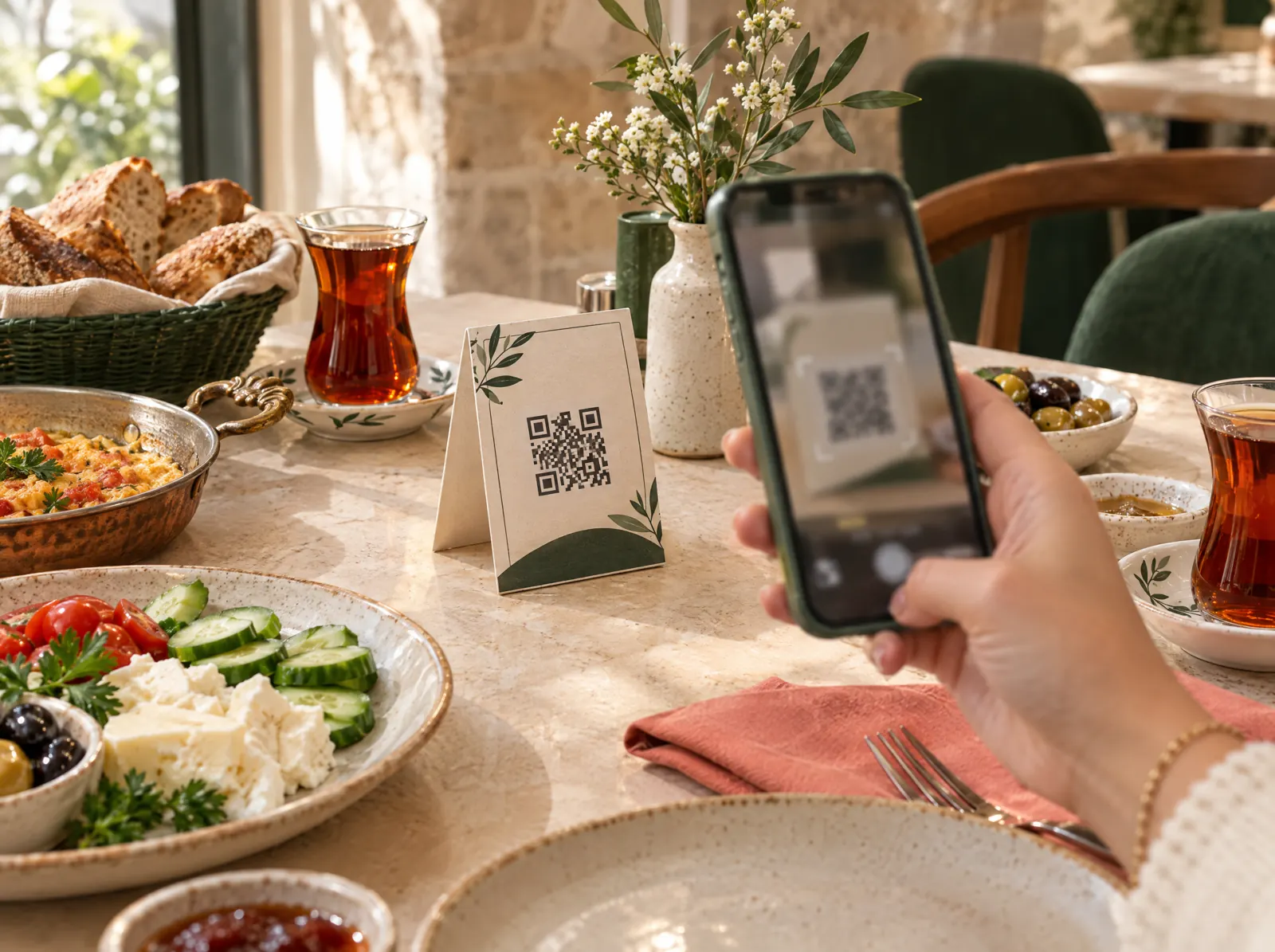
Guests scan the QR on the table; menu, order and payment on their phone.
What does it solve?
Printed menus go stale, waiters reach the table late at peak time, foreign guests can't read the menu. QR Menu keeps the menu current, lets guests order themselves and ties the table to the check.
QR Menu opens from a QR code printed for each table: a multilingual menu in the business's branding with photos and allergen information, a basket and ordering. The order lands on the check and, depending on the setting, goes to the kitchen after waiter approval. Prices and sold-out items update together with the POS.
What happens on the floor?
What happens on the staff and guest screens, then what you do in the venue panel.
- Guests scan the QR on the table and see the business's menu in their language without installing an app.
- They add to the basket and order with the table token; the order lands on the waiter handheld and in the kitchen.
- They call the waiter; the call queues on the waiter handheld.
- They see their bill and pay from the table with a payment link.
- For takeaway they get an order number and a notification when it's ready.
What do you do in the panel?
Business panel: pergepos.com/app/…/qrmenu
- Generate a QR per table and print it from the print page; a single QR with branch selection is also possible.
- Set the menu's look with logo, colour and cover image.
- Choose whether orders go straight to the kitchen or after waiter approval.
- Prices, options and sold-out items come from the POS menu; no separate menu is entered.
How it works
From setup to the first order, the module's path through a service.
Step 1: The QR is printed
A QR is generated for each table in the panel and placed on the table; it identifies the table and the branch.
Step 2: The guest scans and orders
The menu opens in the browser; the guest picks a language, builds a basket and sends the order from the table.
Step 3: The order lands on the check and in the kitchen
The order is added to the table's check in the POS, the waiter approves it if configured; the round goes to the kitchen display.
Which package?
In the Standard package; 1,690 ₺ per branch per month (excl. VAT).
Prices exclude VAT and are per branch; two months free on yearly payment. The current amount is stated in the quote.
Frequently asked questions
Do guests need to install an app?
No. The QR opens in the browser; ordering and payment happen in the browser too.
Which languages is the menu shown in?
You pick the menu languages in the panel; guests see the menu in the language they choose. The interface language and the menu languages are managed separately.
Do sold-out items show on the menu?
An item marked sold out in the POS is hidden from the QR menu immediately; price changes are reflected at the same time.
Used together with
This module is most often used with these.
- LinkPayment link: remote and contactless collection via SMS, e-mail or table QR; attached to the check.
- POSDine-in, quick service, delivery and retail sales; checks, splitting, discounts, refunds, shifts, cash drawer, Z report, offline.
- LoyaltyPoints, campaigns, segments, digital cards, gift cards, customer ledger; SMS, e-mail and push.
Let’s set it up together.
Tell us about your venue and what you expect from this module; we'll work out the plan and quote together.