Bars
Open tabs, a fast counter, stock under control.In a bar the check stays open all evening while counter sales run separately. Price lists follow time windows; drink stock is deducted by recipe and count differences show in reports.
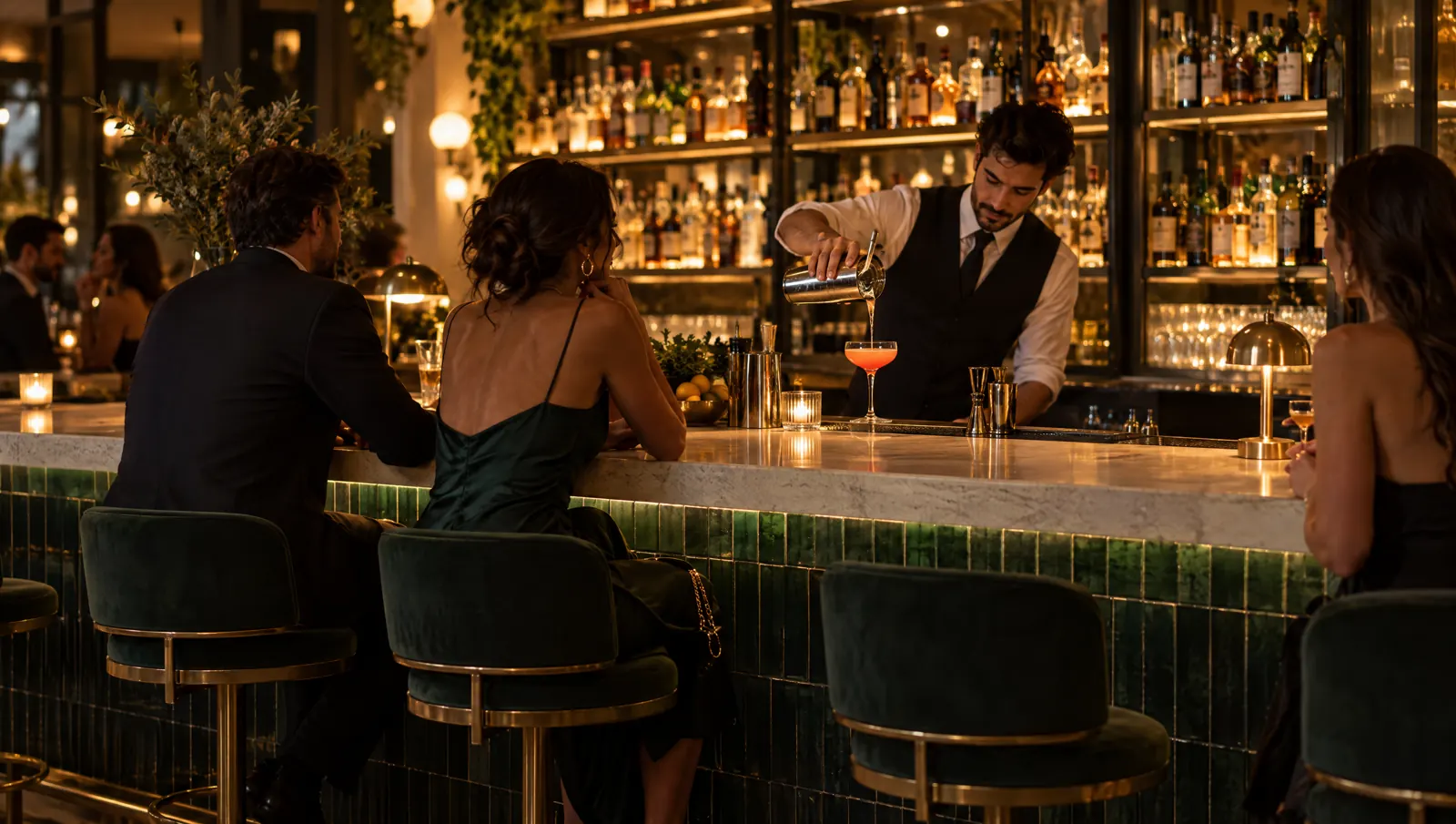
A day's flow.
Times are examples; the flow depends on your business.
17:00
Opening
The shift starts with the opening float. A price list tied to a time window switches on by itself.
18:30
Early hours
Checks opened at tables stay open all evening; each addition sends a new round to the bar and kitchen.
22:00
Peak
At the counter, the quick sale screen has items and payment on one screen; table and counter sales add up in the same shift.
00:30
Late
Checks split by guest or by item. Voids and comps need an authorised staff member's approval and go to the audit log.
03:00
Closing
Cash is counted and the Z report prints. The stock report shows the gap between expected consumption and the count.
Recommended modules.
Core
- POSOpen checks, moving and merging tables, split checks.Package: In the Standard packagePackage: In the Standard package
- Quick SaleItem grid and payment on one counter screen.Package: In the Starter packagePackage: In the Starter package
- InventoryRecipes with unit conversion and a count difference report.Package: In the Standard packagePackage: In the Standard package
- Mobile ReportingHourly revenue, item and staff reports.Package: In the Starter packagePackage: In the Starter package
Add when needed
- QR MenuMenu and waiter call from the table code.Package: In the Standard packagePackage: In the Standard package
- LoyaltyCampaigns and points tied to time windows.Package: In the Pro packagePackage: In the Pro package
- Menu BoardOn-screen menu and prices that change by time.Package: In the Pro packagePackage: In the Pro package
- Kitchen DisplayKitchen orders on a station screen.Package: In the Standard packagePackage: In the Standard package
Typical setup.
- POS tablet on the barPOS tablet
- Phones for floor staffWaiter and courier phone
- Network receipt printerReceipt printer
- Cash drawer connected to the receipt printerCash drawer
- Kitchen printer if there is a kitchenKitchen printer
Suggested plan
Standard
All core modules are in the Standard package.
The suggestion is calculated from the core modules; add more modules whenever you need them.
- POS
- Quick Sale
- Inventory
- Mobile Reporting
Frequently asked questions
Can a check stay open all evening?
Yes. A check stays open until it is closed; waiters can add to it, move it to another table or merge it with another table.
Can prices change by time of day?
Price lists can be tied to a revenue centre and a time window; prices change by themselves when the window starts. The loyalty module also supports campaigns tied to time windows.
How is drink stock tracked?
In Inventory, a recipe links an item to its ingredients and sales deduct consumption. When you enter a count, the gap between expected consumption and the count appears in the report.
Let's plan your setup together.
Tell us your branches, modules and devices; the quote arrives by email.