Quick Sale
No tables; item, payment and receipt on one device.
Quick sale
Scan barcodeWhat does it solve?
At the counter, table plans and round sending are extra steps that slow the sale. Quick Sale cuts the order to two taps and takes payment on the same screen.
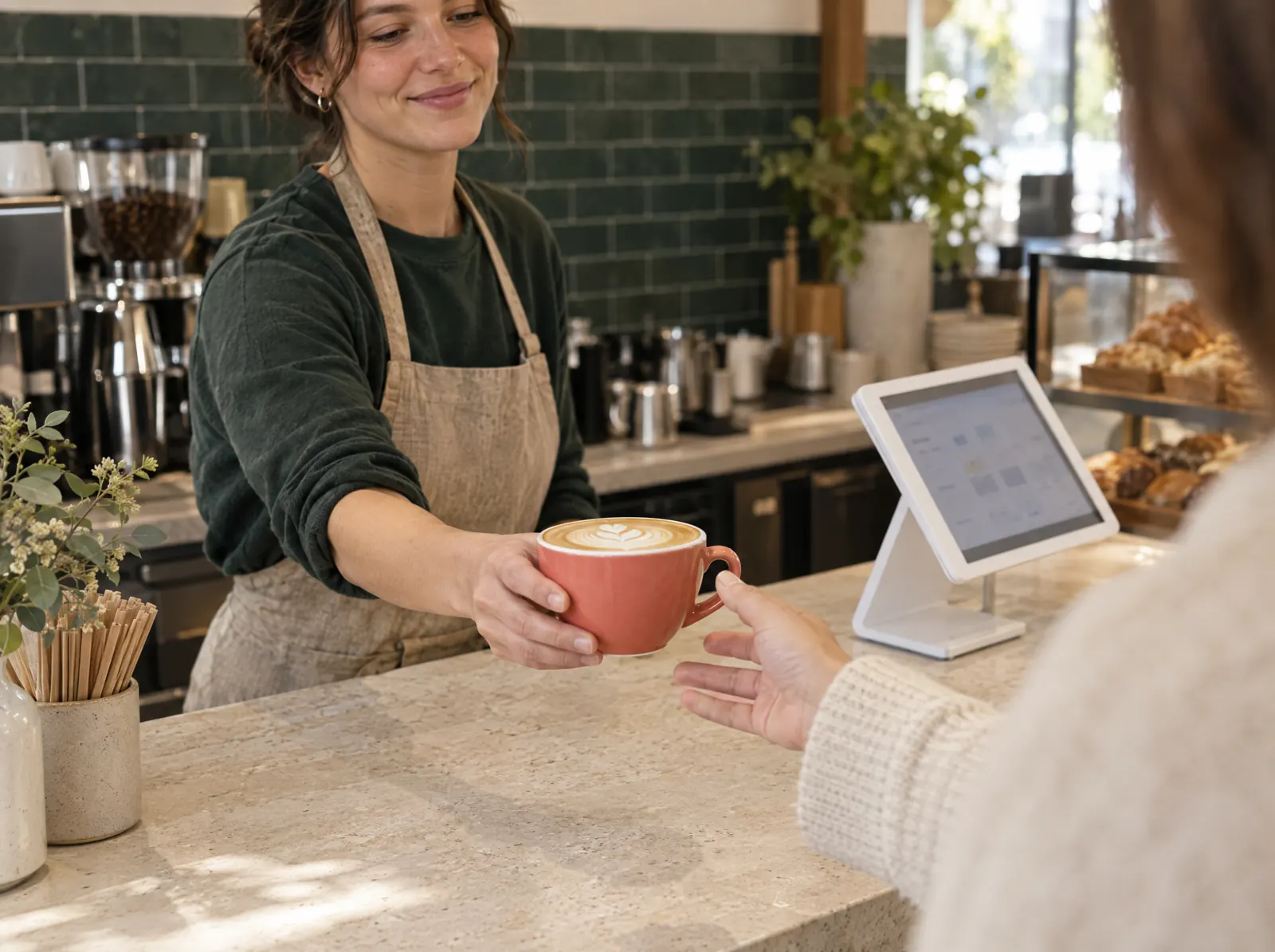
Quick Sale is the single-device mode for coffee shops, kiosks and retail: a quick product grid, barcode scanning, quantity and payment on one screen. Shifts, cash drawer, Z report, receipts and offline work are shared with the POS. It opens with one device in the Starter package.
What happens on the floor?
What happens on the staff and guest screens, then what you do in the venue panel.
- Best sellers on the grid; tap, pick a quantity and it's in the basket.
- Scan barcodes with the camera or a scanner; retail items are found instantly.
- Cash, card or meal card payment on the same screen; with Mobile Payment it goes to the terminal.
- The receipt prints or is emailed; the fiscal document follows the branch setting.
- When the connection drops, sales queue on the device and sync when it returns.
What do you do in the panel?
Business panel: pergepos.com/app/…/checks
- Pair the device from the panel and switch it to quick sale mode.
- Manage the grid items, their order and barcodes from the menu.
- Sales, product and payment reports in the web panel and mobile reporting.
- Shifts, cash counts and the Z report follow the same flow as the POS.
How it works
From setup to the first order, the module's path through a service.
Step 1: The device is paired
A tablet or phone is paired with a code from the panel and quick sale mode is chosen; the menu downloads to the device.
Step 2: Pick the item, take payment
Items are added from the grid or by barcode, payment is taken on the same screen, the receipt prints.
Step 3: End of day
The shift closes, the drawer is counted, the Z report lands in the panel and on your phone.
Which package?
In the Starter package; 990 ₺ per branch per month (excl. VAT).
Prices exclude VAT and are per branch; two months free on yearly payment. The current amount is stated in the quote.
Frequently asked questions
What if I want to move to table service?
When you move to the Standard package the same device switches to POS mode; menu, items and reports stay as they are.
How many devices does the Starter package include?
One device. A second device and table service need the Standard package.
Is it suitable for retail?
Yes; barcoded items, quantity and VAT rate are defined per item. With the Inventory module every sale deducts stock automatically.
Used together with
This module is most often used with these.
- Mobile PaymentContactless payment on an Android terminal or phone; payments post to the POS automatically; VUK 507 e-document.
- Mobile ReportingSales, product, payment, staff and branch reports on your phone; instant alerts; AI insights.
- InventoryRecipes, purchasing, suppliers, counts, waste, inter-branch transfers, moving weighted average cost.
Let’s set it up together.
Tell us about your venue and what you expect from this module; we'll work out the plan and quote together.