Mobile Payment
The amount goes to the terminal; the payment posts to the check by itself.
Check 1042 · 4 guests
Card payment
Amount
TRY 730
Tap a card or phone
Amount sent from the POS to the device
What does it solve?
Typing the amount into the terminal by hand causes errors, and at the end of the day the terminal report doesn't match the checks. Mobile Payment sends the amount itself, writes the result itself and reconciles in the panel.
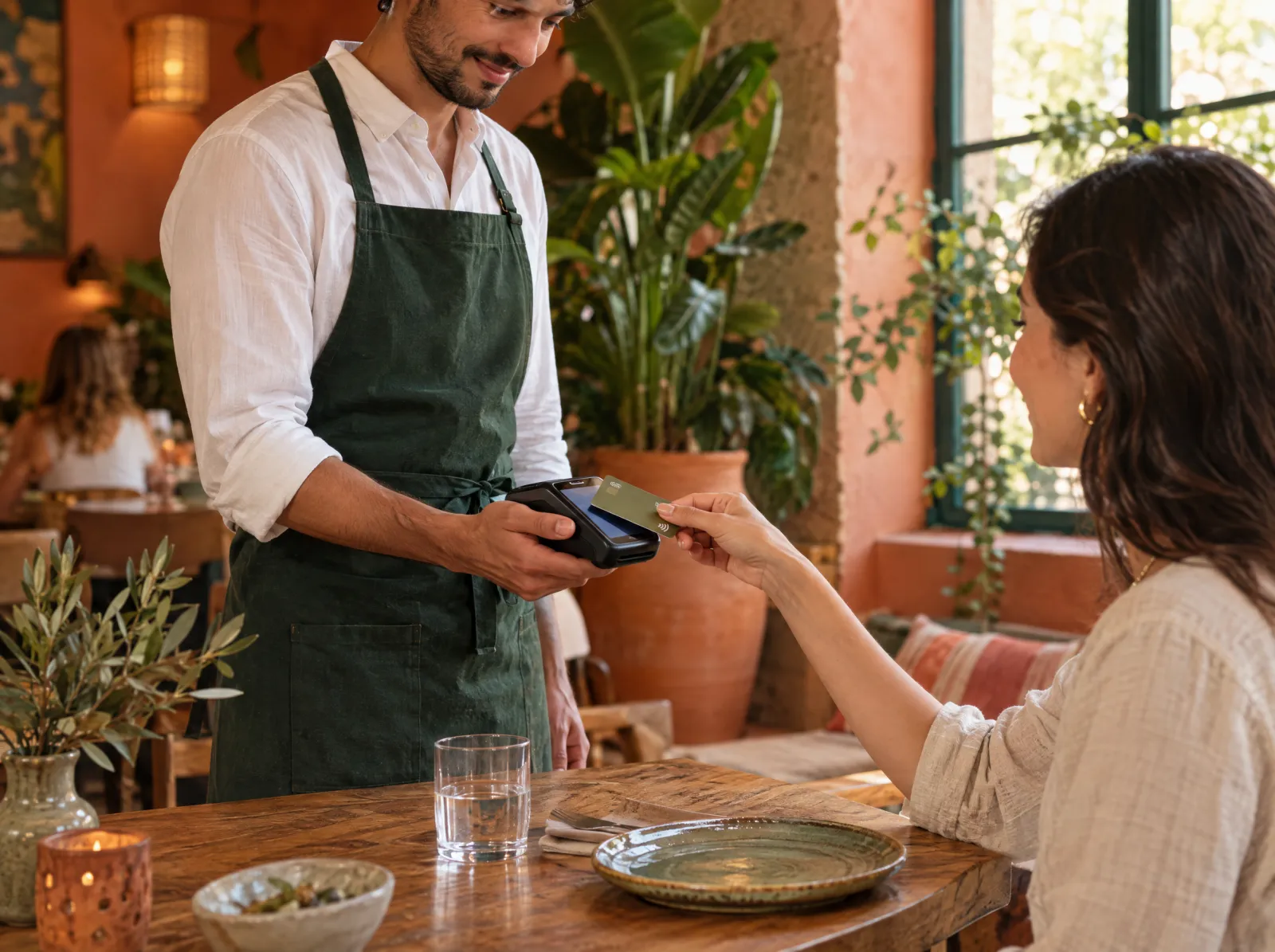
Mobile Payment connects the payment institution's Android POS terminal or contactless phone payment (SoftPOS) to PergePOS: the amount is sent to the terminal, and the approval code, card type and instalments are written to the check as a payment line. In VUK 507 mode the e-document is produced through the payment institution.
What happens on the floor?
What happens on the staff and guest screens, then what you do in the venue panel.
- The cashier or waiter taps "Pay by card" on the check; the amount goes to the payment terminal.
- Approval code, card type and instalment details are written to the check as a payment line.
- Contactless payment on a phone: the card is tapped without a separate terminal.
- Instalment options are offered on the terminal under the payment institution's rules.
What do you do in the panel?
Business panel: pergepos.com/app/…/payments
- End-of-day reconciliation: the terminal report is compared with check payments in the panel.
- In VUK 507 mode the e-document is produced automatically and linked to the document record.
- The payment institution agreement and commission rate are set in the quote.
How it works
From setup to the first order, the module's path through a service.
Step 1: Agreement with the payment institution
The terminal and commission depend on an agreement with the payment institution; PergePOS enables the integration by quote.
Step 2: The terminal is paired
The payment terminal or SoftPOS app is paired to the branch and linked to the POS terminal.
Step 3: Collection and document
The amount goes to the terminal, the result lands on the check; in e-document mode the document is produced at the same time.
Which package?
This module opens by quote.
It depends on a payment institution or manufacturer agreement; we prepare an official quote for your business and send it by email.
Frequently asked questions
Which payment institutions does it work with?
The partner choice depends on commercial talks and isn't final yet; we share the current status in the quote conversation.
What is an e-document, and is it mandatory?
A fiscal document produced under VUK 507 through a payment institution and a private integrator. It is enabled per branch; a business using an external cash register doesn't have to enable it.
What are the commission and terminal fees?
The commission belongs to the payment institution and the terminal fee to the manufacturer; PergePOS lists them as separate items in the quote.
Used together with
This module is most often used with these.
- Quick SaleSingle-device sales: no tables, quick product grid, barcode, payment and receipt on one device.
- POSDine-in, quick service, delivery and retail sales; checks, splitting, discounts, refunds, shifts, cash drawer, Z report, offline.
- LinkPayment link: remote and contactless collection via SMS, e-mail or table QR; attached to the check.
Let’s set it up together.
Tell us about your venue and what you expect from this module; we'll work out the plan and quote together.