Restaurants
From table to kitchen to check, one flow.Waiters take the order at the table, each round reaches the kitchen screen by station and the check closes split by guest or by item. Stock is deducted by recipe and the Z report is ready at closing.
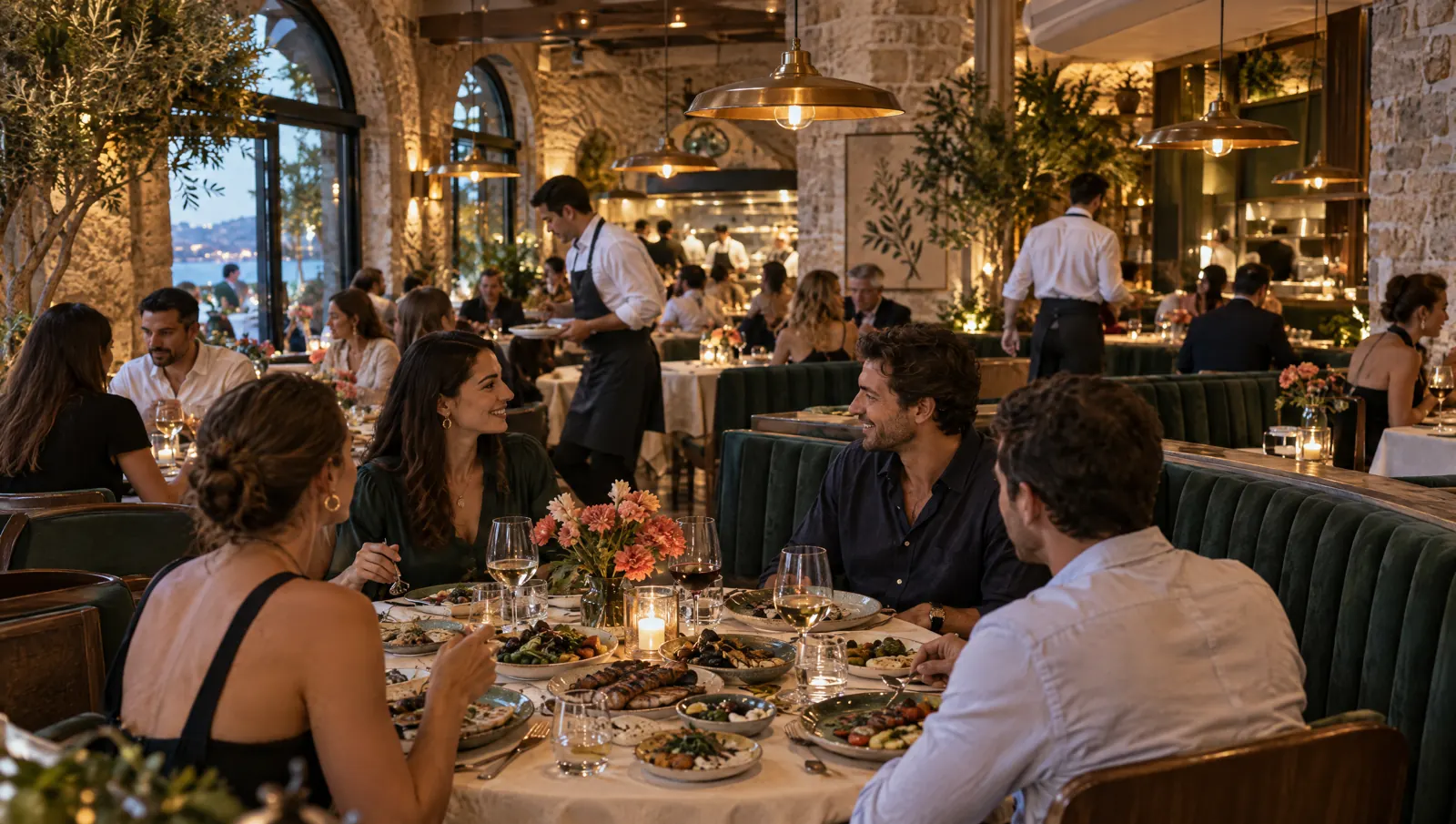
A day's flow.
Times are examples; the flow depends on your business.
09:30
Prep
The kitchen enters the morning count in the panel; low-stock ingredients rise to the top. Sold-out items are hidden on the QR menu.
12:00
Lunch service
Waiters take orders on their phones and each round goes to the kitchen screen by station. Guests can order from the QR menu themselves; depending on the branch setting a waiter approves first.
15:00
Delivery and takeaway
Delivery orders are priced by delivery zone and reach the courier app. Online platform orders arrive on the same screen once the platform approves the integration.
19:30
Dinner service
Reserved tables are marked on the floor plan; the check opens when guests are seated. Checks split by guest, by item or evenly.
23:30
Closing
The shift closes with a cash count and the Z report prints. Voids, comps and discounts are in the audit log; the day's summary is in the panel and on your phone.
Recommended modules.
Core
- POSFloor plan, rounds, split checks and offline sales.Package: In the Standard packagePackage: In the Standard package
- Kitchen DisplayOrders on screen by station; overdue tickets change colour.Package: In the Standard packagePackage: In the Standard package
- QR MenuGuests open the menu from the table code, order and call a waiter.Package: In the Standard packagePackage: In the Standard package
- InventorySales deduct stock by recipe; cost percentage in reports.Package: In the Standard packagePackage: In the Standard package
- Mobile ReportingRevenue, item and staff reports; the day's summary on your phone.Package: In the Starter packagePackage: In the Starter package
Add when needed
- Table ReservationsOnline booking, waitlist and a badge on the floor plan.Package: In the Pro packagePackage: In the Pro package
- DeliveryDelivery orders, delivery zones and a courier app.Package: In the Pro packagePackage: In the Pro package
- LinkPayment from the table QR or a shared link.Package: In the Standard packagePackage: In the Standard package
- LoyaltyPoints, campaigns and gift cards by phone number.Package: In the Pro packagePackage: In the Pro package
Typical setup.
- POS tablet at the counter (iPad, Android or browser)POS tablet
- Phones for waiters: the waiter handheldWaiter and courier phone
- KDS screen or kitchen printer in the kitchenKitchen screen (KDS)
- Network receipt printer at the counterReceipt printer
- Cash drawer connected to the receipt printerCash drawer
Suggested plan
Standard
All core modules are in the Standard package.
The suggestion is calculated from the core modules; add more modules whenever you need them.
- POS
- Kitchen Display
- QR Menu
- Inventory
- Mobile Reporting
Frequently asked questions
Does service stop if the internet goes down?
No. POS and waiter devices keep selling; actions queue on the device and sync with the server when the connection returns. Offline actions are marked in the panel.
Do waiters use a separate app?
The waiter handheld is a role of the PergePOS app. Waiters work with their own PIN on a phone the business provides. How many devices each package allows is shown on the pricing page.
Does PergePOS issue fiscal documents?
No. A PergePOS check slip is not a fiscal document. Fiscal receipts are issued by the cash register (ÖKC), and e-Archive and e-Invoice through the business's private integrator; the current status of these integrations is on the integrations page.


Let's plan your setup together.
Tell us your branches, modules and devices; the quote arrives by email.