PergePOS doesn't require a specific brand or model. For each device we list the operating system, command set and connection requirements, so you can check the hardware you already have.
A verified model list will be published on this page once pilot venue testing is complete.
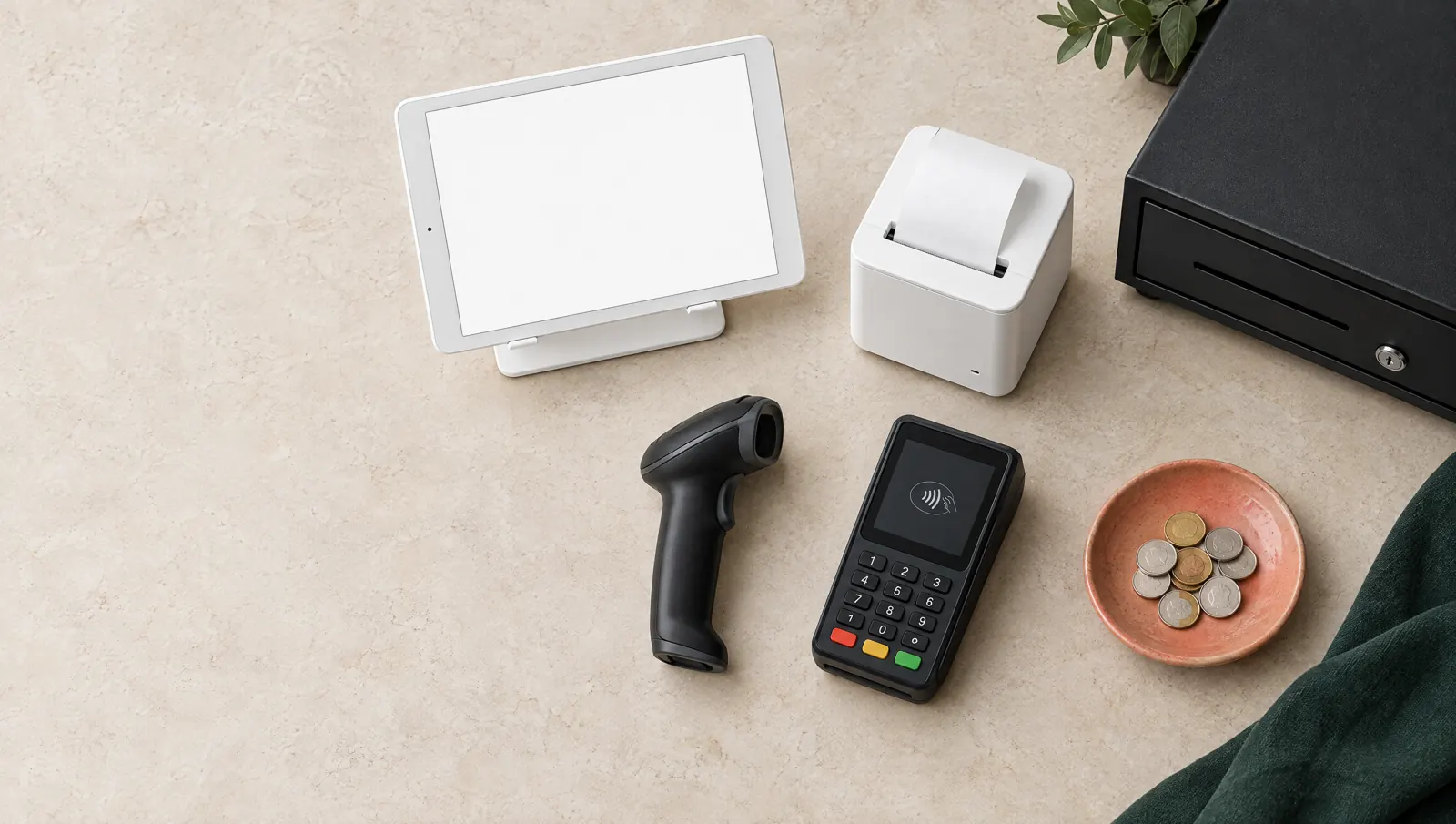
Tablet, receipt printer, cash drawer, barcode scanner and payment terminal: a typical till setup.
How a branch is wired.
Devices meet on the branch's local network: tablets and screens connect over Wi-Fi or Ethernet, printers take commands over the network and the drawer opens from the printer.
POS tablet
USB or Bluetooth (HID)Barcode scanner
Wi-Fi
Waiter phone
Wi-Fi
Kitchen screen
Ethernet
Branch network and internet
Network, TCP 9100
Receipt printer
RJ11 kickCash drawer
Network, TCP 9100
Kitchen printer
Example setup; the number and placement of devices depend on the business.
Till and counter.
Where sales happen: POS tablet, waiter phone, receipt printer, cash drawer, barcode scanner and scale.
POS tablet
Status: Supported
The device where sales happen at the till or counter: the PergePOS app or the browser POS.
iPad
iPadOS 15.1 or later, PergePOS app
Android tablet
Android 7.0 (API 24) or later, PergePOS app
Memory
At least 3 GB RAM recommended; to be confirmed in pilot testing
Browser POS
Current Chrome, Edge or Safari on a computer; pergepos.com/pos
Connection
Wi-Fi or Ethernet; sales continue on the device if the connection drops
Fiscal receipts are issued on the business's ÖKC; a PergePOS slip is not a fiscal document
Integration
New-generation ÖKC integration will come with the manufacturer's SDK and certification
e-Documents
e-Archive and e-Invoice through the business's private integrator
Plan hardware with your quote.
Write how many tablets, printers, kiosks and screens you need in the quote form. Hardware is a separate quote item from the software subscription; PergePOS doesn't keep hardware stock.
Frequently asked questions
Can I use the tablet and printer I already have?
Yes, if they meet the requirements. Check the operating system version on the tablet, ESC/POS support and network connectivity on the printer; if unsure, add the model to the quote form.
Do USB or Bluetooth printers work?
Today printers work over the network (TCP 9100). USB and Bluetooth printer support is in development; the browser POS can use the browser's print dialog.
Can a card terminal be connected?
Payment terminal integration depends on the choice of payment partner and is coming soon. Today card payments are taken on the business's own terminal and the amount is recorded on the POS as a payment.
Which models will you recommend?
Once testing with real printers, drawers and tablets at pilot venues is complete, we will publish a verified model list on this page. Until then the requirements table applies.
Let's set up your venue together.
Try it free for 14 days, no card required. Or tell us about your venue and branches, and we'll find the right plan with you.