Delivery
Phone, QR and online platform orders in one queue.
What does it solve?
A separate tablet for each platform, every order typed into the POS by hand and couriers managed by phone create errors and delays. Delivery brings every source to one screen and ties the courier to the order.
Delivery gathers phone orders, QR menu takeaway and orders from online food platforms in one queue: accepted, preparing, courier assigned, on the way, delivered. The courier sees their queue and the map in the mobile app; zones, delivery fees and minimum baskets are defined in the panel.
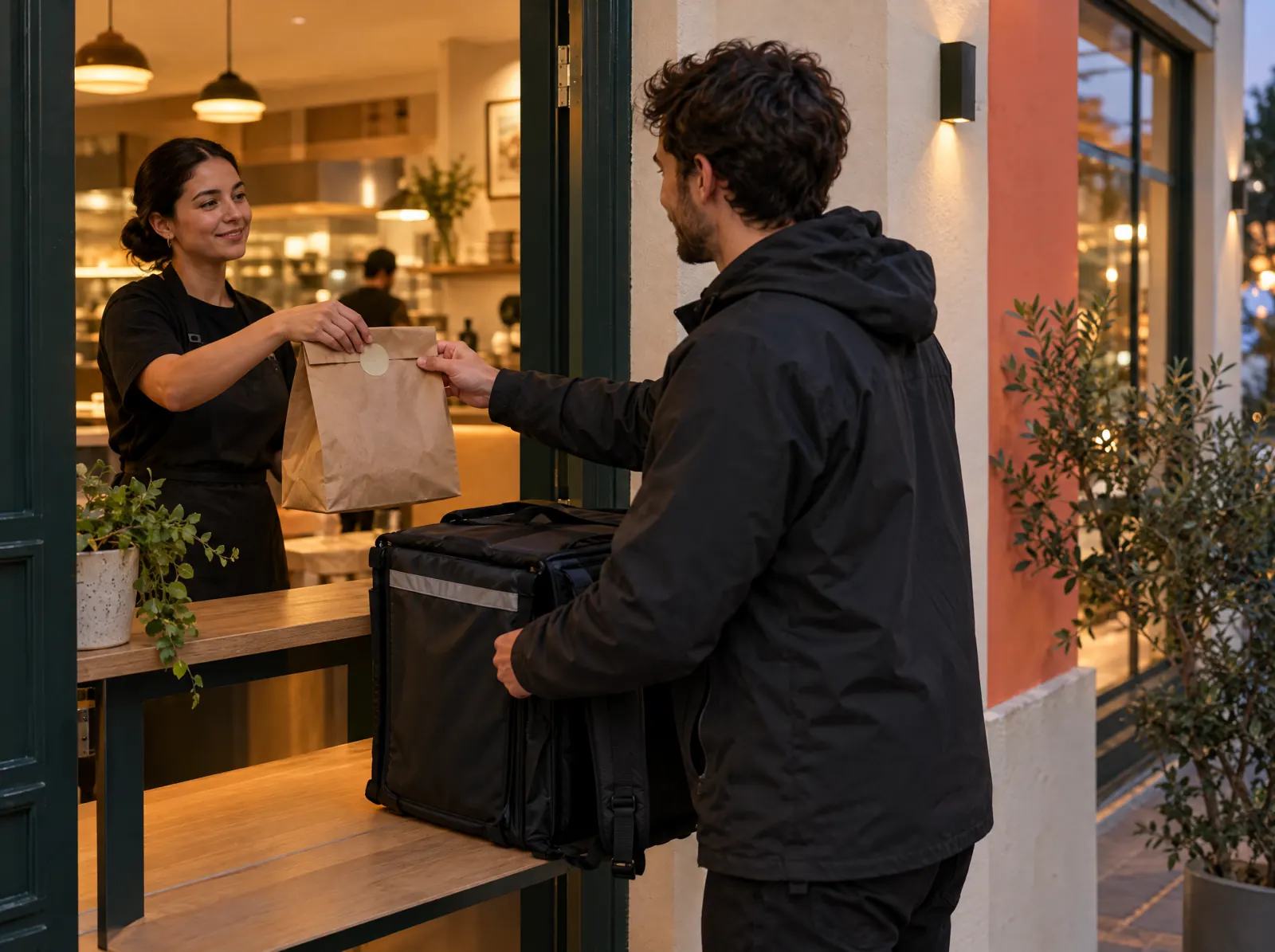
What happens on the floor?
What happens on the staff and guest screens, then what you do in the venue panel.
- New orders in one queue; acceptance or a rejection reason is sent back to the platform.
- Phone orders from the POS Delivery tab; the customer address book is ready.
- The courier takes the order in the app, marks on the way and delivered, and records the payment type at the door.
- Map and nearest-courier suggestion; orders on the road are tracked by GPS.
- The customer gets "on the way" and "delivered" SMS messages.
What do you do in the panel?
Business panel: pergepos.com/app/…/delivery
- Manage online platform connections and menu mapping; each platform needs an application and approval.
- Draw delivery zones on the map and set fees and minimum baskets.
- Define courier staff and follow their performance and delivery times.
- Volume, source, courier and delivery time reports.
How it works
From setup to the first order, the module's path through a service.
Step 1: The order arrives
An order from the phone, QR menu or an online platform lands in the queue and is accepted.
Step 2: The kitchen prepares it
The order goes to the kitchen display as a check; when ready, a courier is assigned.
Step 3: The courier delivers
The courier marks on the way and delivered and records payment at the door; the customer gets an SMS.
Which package?
In the Pro package; 2,490 ₺ per branch per month (excl. VAT).
Prices exclude VAT and are per branch; two months free on yearly payment. The current amount is stated in the quote.
Frequently asked questions
Which online platforms connect?
The targets are Yemeksepeti, Getir Yemek, Trendyol Yemek and Migros Yemek. Each needs a partner application and approval; whether a direct API or a middleware is used isn't final yet.
Is there a separate courier app?
No; the same PergePOS app opens in the courier role. The courier logs in with a PIN on a phone paired to the branch.
Does the delivery fee vary by zone?
Yes; a fee and minimum basket are defined per zone and the address is matched to a zone.
Used together with
This module is most often used with these.
- Kitchen DisplayTouch kitchen and bar screen: stations, preparing/ready, timing, waiter notifications.
- POSDine-in, quick service, delivery and retail sales; checks, splitting, discounts, refunds, shifts, cash drawer, Z report, offline.
- LoyaltyPoints, campaigns, segments, digital cards, gift cards, customer ledger; SMS, e-mail and push.
Let’s set it up together.
Tell us about your venue and what you expect from this module; we'll work out the plan and quote together.