Kitchen Display
Orders reach the kitchen paperless, in order and with their timing.
What does it solve?
Printer slips get lost, the order of tickets gets mixed up, nobody sees how long an order has waited. The kitchen display shows every ticket with its timing and tells the waiter itself when it's ready.
Kitchen Display creates a ticket per station when a round is sent and shows it on a touch screen: chronological columns, target time and overrun colour, preparing, ready, served, recall. Ready notifications go to the waiter handheld and, for takeaway, to the guest. It works with or without a printer.
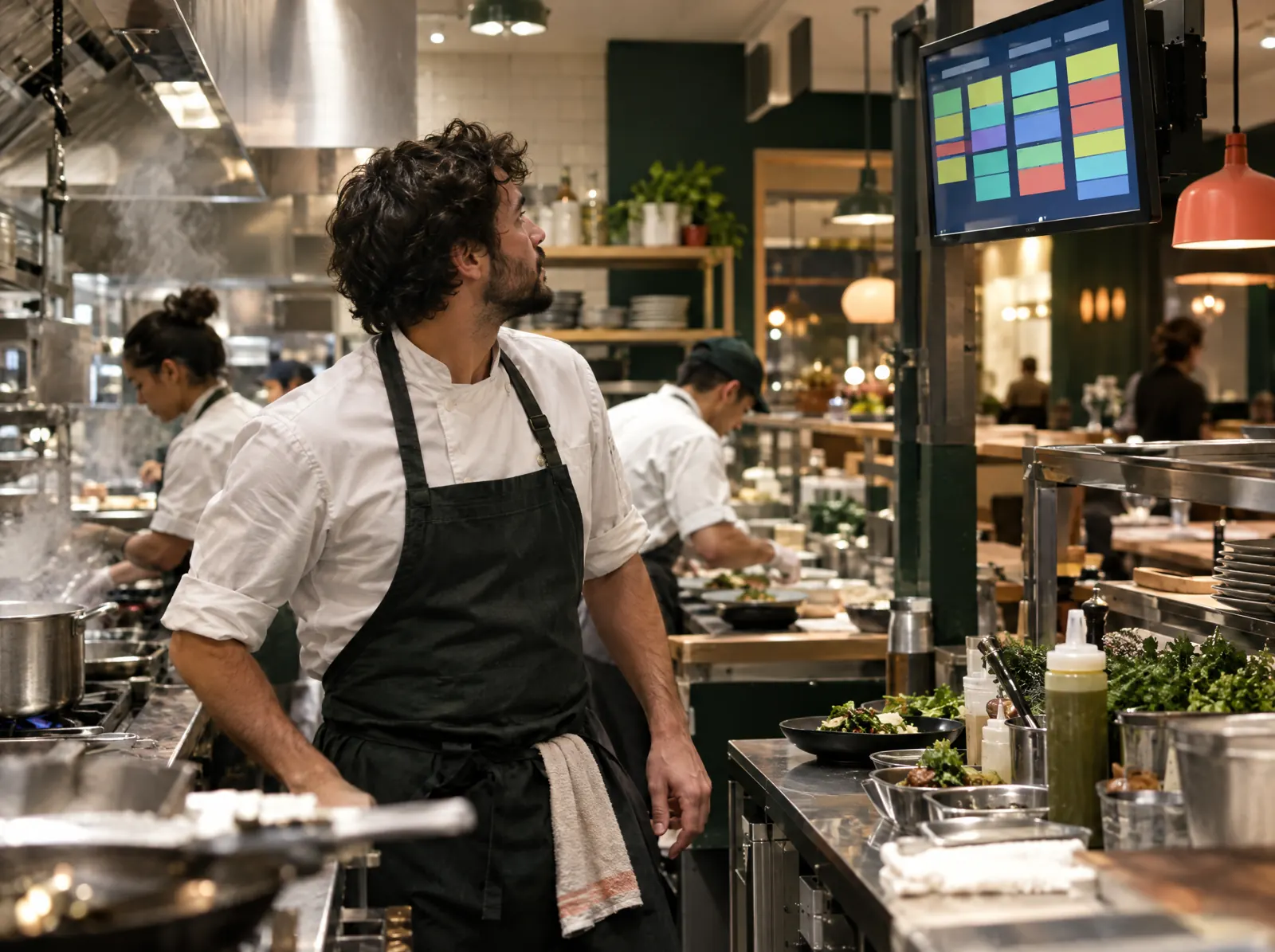
What happens on the floor?
What happens on the staff and guest screens, then what you do in the venue panel.
- Each round is a ticket; the station filter shows only its own items.
- Kitchen, bar and dessert stations on separate screens or tabs on one screen.
- Target time and overrun colour; oldest ticket first.
- Preparing, ready, served; a ticket closed by mistake is recalled.
- A bell on new tickets; takeaway and delivery tickets marked separately.
What do you do in the panel?
Business panel: pergepos.com/app/…/screens
- Open the kitchen display with the tablet app or in a browser with a pairing code.
- Decide which item goes to which station with routing rules.
- Target preparation time per station and overrun warnings.
- A station printer works alongside the screen if wanted.
How it works
From setup to the first order, the module's path through a service.
Step 1: A round is sent
A round sent from the POS or waiter handheld is split into tickets per station.
Step 2: The kitchen prepares
The ticket is marked preparing and ready; timing and overrun show on screen.
Step 3: Waiter and guest are informed
The ready notification goes to the waiter handheld and, for takeaway, to the guest's phone.
Which package?
In the Standard package; 1,690 ₺ per branch per month (excl. VAT).
Prices exclude VAT and are per branch; two months free on yearly payment. The current amount is stated in the quote.
Frequently asked questions
Do I need a special screen?
No; a tablet or screen with a browser is enough. The PergePOS app also opens in the kitchen role.
Can I drop the printer entirely?
Yes; the screen works on its own. If you want, the station printer keeps printing slips alongside the screen.
Are takeaway and delivery orders separated?
Yes; the ticket carries its source and is marked takeaway or delivery; when ready, the courier or guest is informed.
Used together with
This module is most often used with these.
- POSDine-in, quick service, delivery and retail sales; checks, splitting, discounts, refunds, shifts, cash drawer, Z report, offline.
- DeliveryOnline platform orders on one screen; courier assignment, zones and map, delivery tracking, customer SMS.
- Restaurant KioskSelf-service ordering and payment, order number and call screen, upsell suggestions.
Let’s set it up together.
Tell us about your venue and what you expect from this module; we'll work out the plan and quote together.