Restaurant Kiosk
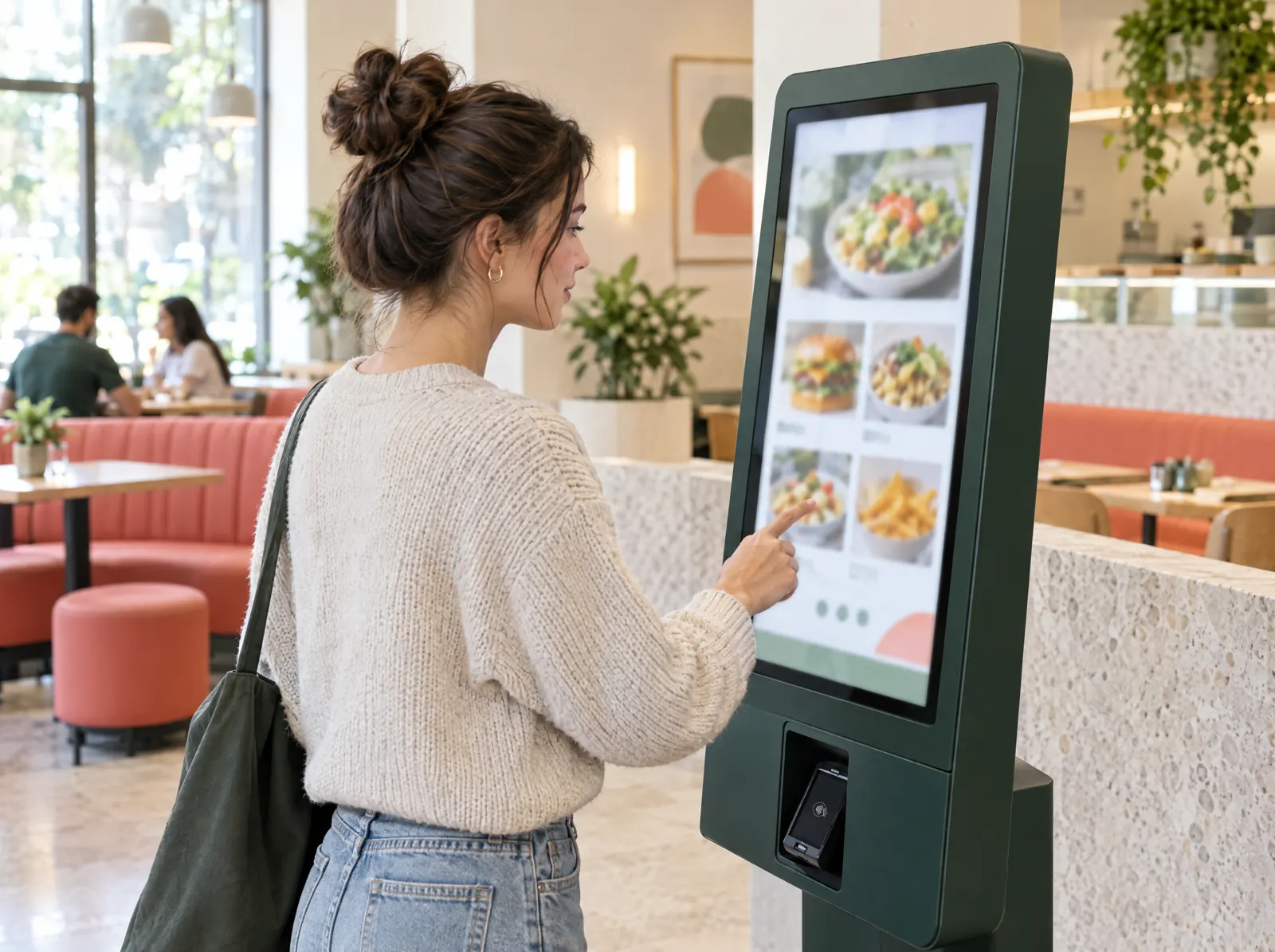
Guests place their own order, pay and get an order number.
Lavanta Bistro
TR · ENWhat would you like?
Add a dessert?
What does it solve?
At peak time the queue at the till grows and order taking slows down. The kiosk lets guests order themselves, suggests upsells automatically and leaves the cashier to payment and handover.
Restaurant Kiosk offers full-screen self service on a paired tablet or kiosk screen: language choice, categories and items, options, upsell suggestions, basket and payment. The order becomes a check and lands on the kitchen display; the call screen shows the numbers that are ready.
What happens on the floor?
What happens on the staff and guest screens, then what you do in the venue panel.
- Guests pick a language, go from categories to items and set their options.
- They see add-on suggestions based on the basket and add them with one tap.
- They pay on the payment terminal or choose "pay at the till".
- They get an order number and receipt; the order goes to the kitchen.
- They follow preparing and ready numbers on the call screen.
What do you do in the panel?
Business panel: pergepos.com/app/…/screens
- Pair the kiosk device from the panel with a code and pick which branch and revenue centre the screen belongs to.
- The kiosk menu is the POS menu; you decide which categories show and set the upsell rules.
- The kiosk licence is per device; two screens are included in Pro.
- Manage the call screen in menu board mode from the same panel.
How it works
From setup to the first order, the module's path through a service.
Step 1: The kiosk is paired
The tablet or kiosk screen is paired with a code from the panel and switches to full-screen kiosk mode.
Step 2: The guest orders
Language, items and options are chosen; an upsell suggestion is shown; payment is taken on the device or at the till.
Step 3: The order is prepared and called
The order lands on the kitchen display as a check; when ready, the number appears on the call screen.
Which package?
In the Pro package; 2,490 ₺ per branch per month (excl. VAT).
Added to the lower packages for 490 ₺ per branch per month (excl. VAT).
Prices exclude VAT and are per branch; two months free on yearly payment. The current amount is stated in the quote.
Frequently asked questions
Which devices work?
A tablet or kiosk screen with a browser is enough. PergePOS doesn't sell hardware; it publishes a compatible device list and quotes hardware as a separate item.
How is payment taken at the kiosk?
With the Mobile Payment module the amount is sent to the payment terminal and the result returns automatically; otherwise the guest pays at the till with the order number.
Is the kitchen display required?
Yes; kiosk orders land on the kitchen display and move to the call screen when marked ready. The kiosk works together with POS and Kitchen Display.
Used together with
This module is most often used with these.
- Mobile PaymentContactless payment on an Android terminal or phone; payments post to the POS automatically; VUK 507 e-document.
- Kitchen DisplayTouch kitchen and bar screen: stations, preparing/ready, timing, waiter notifications.
- Menu BoardDigital menu screens: templates, animation, price and stock sync, time-based menus, remote updates.
Let’s set it up together.
Tell us about your venue and what you expect from this module; we'll work out the plan and quote together.