Hotel restaurants
From breakfast to the pool bar, every outlet in its own report.In a hotel the restaurant, pool bar and breakfast room share a kitchen but are tracked separately. Revenue centres split sales, price lists change by time and the QR menu opens in the language the guest picks.
A day's flow.
Times are examples; the flow depends on your business.
07:00
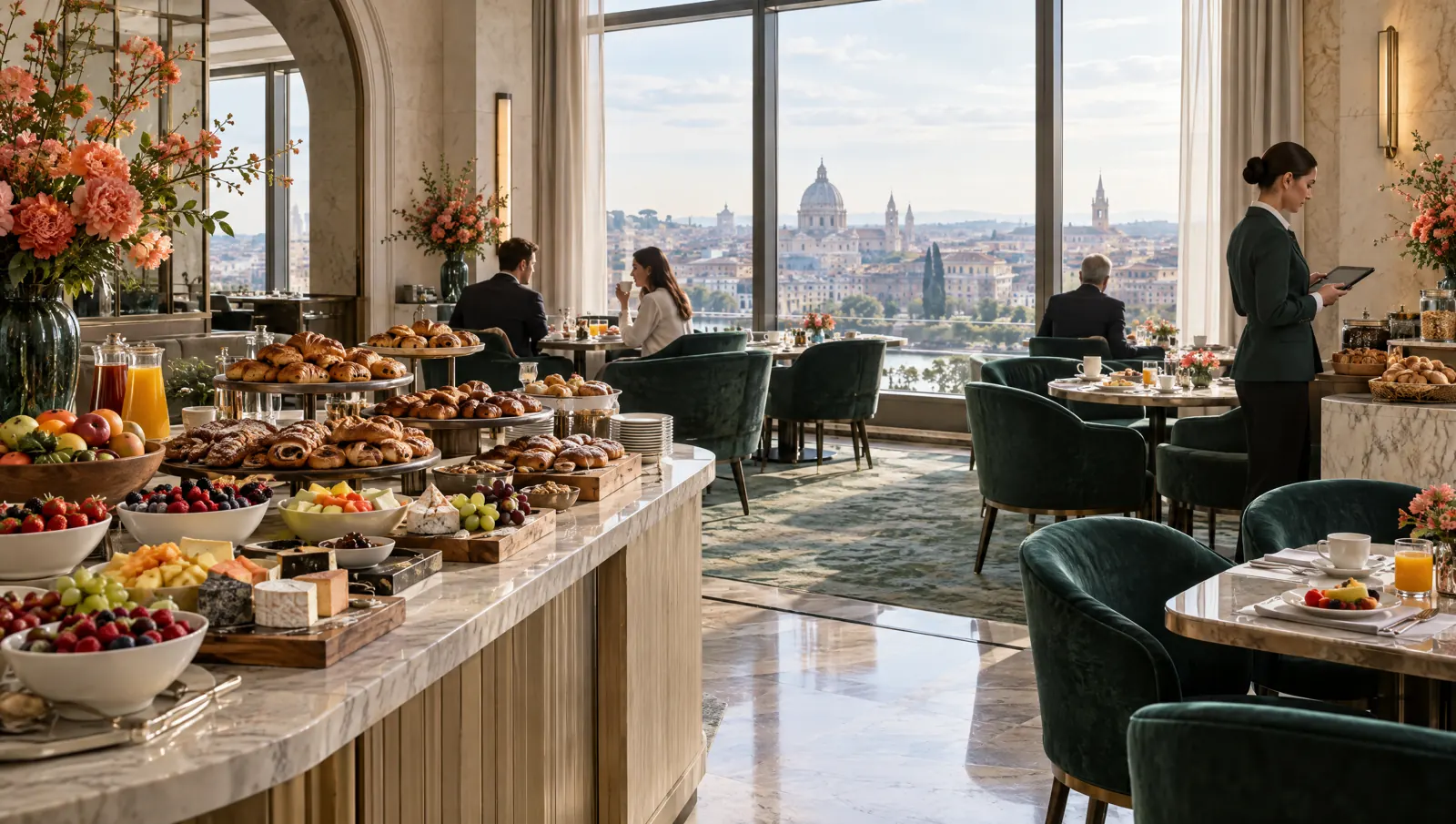
Breakfast
The breakfast room runs as its own revenue centre; its sales add up in its own report.
11:00
Pool bar
The pool bar has its own floor plan and price list; guests open the menu in their language from the sunbed code.
13:00
Lunch
Restaurant and bar orders go to the kitchen screens by station.
19:30
Dinner
Reserved tables are marked on the floor plan; checks split by guest or by item.
23:30
Closing
Each revenue centre's takings are reported separately; ingredient consumption is deducted from stock by recipe.
Recommended modules.
Core
- POSRevenue centres, separate floor plans, split checks.Package: In the Standard packagePackage: In the Standard package
- Kitchen DisplayRestaurant and bar kitchens on separate station screens.Package: In the Standard packagePackage: In the Standard package
- QR MenuA QR code that opens the menu in the guest's language.Package: In the Standard packagePackage: In the Standard package
- InventoryRecipes, costs and transfers between branches.Package: In the Standard packagePackage: In the Standard package
- Mobile ReportingRevenue centre, hour and item reports.Package: In the Starter packagePackage: In the Starter package
Add when needed
- Table ReservationsRestaurant bookings and a waitlist.Package: In the Pro packagePackage: In the Pro package
- Menu BoardMenu screens in the lobby and at the bar.Package: In the Pro packagePackage: In the Pro package
- LoyaltyPoints and campaigns for returning guests.Package: In the Pro packagePackage: In the Pro package
- LinkPayment by link or QR.Package: In the Standard packagePackage: In the Standard package
Typical setup.
- A POS tablet at each outletPOS tablet
- Phones for waiters: the waiter handheldWaiter and courier phone
- KDS screen or kitchen printer in the kitchenKitchen screen (KDS)
- Network receipt printerReceipt printer
- Menu screen in the lobby or at the barMenu screen (Menuboard)
Suggested plan
Standard
All core modules are in the Standard package.
The suggestion is calculated from the core modules; add more modules whenever you need them.
- POS
- Kitchen Display
- QR Menu
- Inventory
- Mobile Reporting
Frequently asked questions
Can the restaurant, bar and breakfast be tracked separately?
Yes. Each outlet is a separate revenue centre in the branch; price lists and reports are split by revenue centre. If an outlet needs its own kitchen and stock, it can also be set up as a separate branch.
Can charges be posted to the room (PMS)?
Not today. Integration with the hotel's property management system is assessed at quote stage, depending on the system the hotel uses.
Does the menu open in a foreign guest's language?
Yes. The QR menu is prepared in several languages and guests pick the language in the menu. You enter the translations in the panel.

Let's plan your setup together.
Tell us your branches, modules and devices; the quote arrives by email.