Coffee shops
A counter that shortens the queue, loyalty that knows the regulars.In a coffee shop speed is everything: the order is taken at the counter, lands on the bar screen and is handed over by call number. Regulars collect points with their phone number.
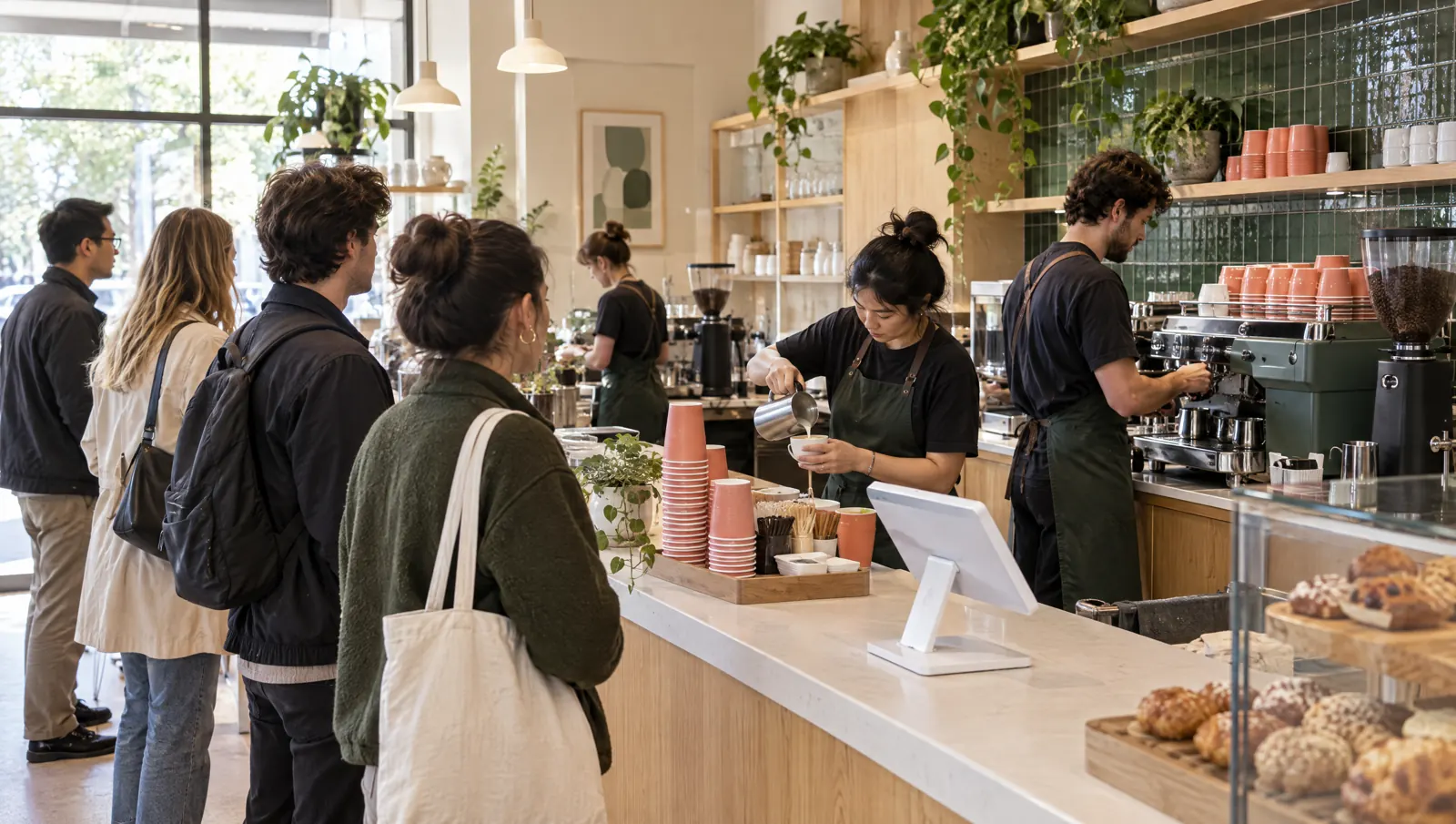
A day's flow.
Times are examples; the flow depends on your business.
07:30
Morning rush
The quick sale screen at the counter: item, options (size, milk, syrup) and payment on one screen. The order lands on the bar screen.
08:15
Call
Each order gets a call number; the barista marks it ready on the bar screen. With Menuboard, a screen becomes a call screen showing ready order numbers.
12:00
Midday
With a kiosk, guests order themselves; the order reaches the same bar screen and is paid at the till or by QR.
15:30
Afternoon
Loyalty members are recognised by phone number; points are earned at closing and welcome and happy hour campaigns are suggested to staff.
20:00
Closing
Z report, hourly revenue and best-selling drinks; milk and coffee consumption is deducted from stock by recipe.
Recommended modules.
Core
- Quick SaleCounter item grid, options, payment and call numbers.Package: In the Starter packagePackage: In the Starter package
- Kitchen DisplayOrder queue and ready marking on the bar screen.Package: In the Standard packagePackage: In the Standard package
- LoyaltyPoints, tiers and campaigns by phone number.Package: In the Pro packagePackage: In the Pro package
- Mobile ReportingHourly traffic and item reports.Package: In the Starter packagePackage: In the Starter package
Add when needed
- Restaurant KioskSelf-service ordering and payment with upsell suggestions.Package: In the Pro packagePackage: In the Pro package
- Menu BoardMenu board and call screen.Package: In the Pro packagePackage: In the Pro package
- QR MenuTakeaway orders from the QR menu.Package: In the Standard packagePackage: In the Standard package
- InventoryMilk, beans and cups deducted by recipe.Package: In the Standard packagePackage: In the Standard package
Typical setup.
- POS tablet at the counterPOS tablet
- KDS screen or tablet for the baristaKitchen screen (KDS)
- Network receipt printerReceipt printer
- Menu and call screen above the counterMenu screen (Menuboard)
- Optional kiosk: touch tablet or kiosk PCKiosk
Suggested plan
Pro
All core modules are in the Pro package.
The suggestion is calculated from the core modules; add more modules whenever you need them.
- Quick Sale
- Kitchen Display
- Loyalty
- Mobile Reporting
Frequently asked questions
Don't drinks with options slow the order down?
Option groups (size, milk, syrup) are set on the item; tapping the item at the counter opens the options and the order finishes on the same screen.
How do call numbers work?
Quick sale gives each order a number and prints it on the receipt. The barista marks ready orders on the bar screen; Menuboard's call screen mode shows ready order numbers.
Can we run a free coffee after a number of coffees?
The loyalty module has product campaigns: a reward for members who buy a set number of items. The server suggests the matching campaign and staff apply it.

Let's plan your setup together.
Tell us your branches, modules and devices; the quote arrives by email.