Menu Board
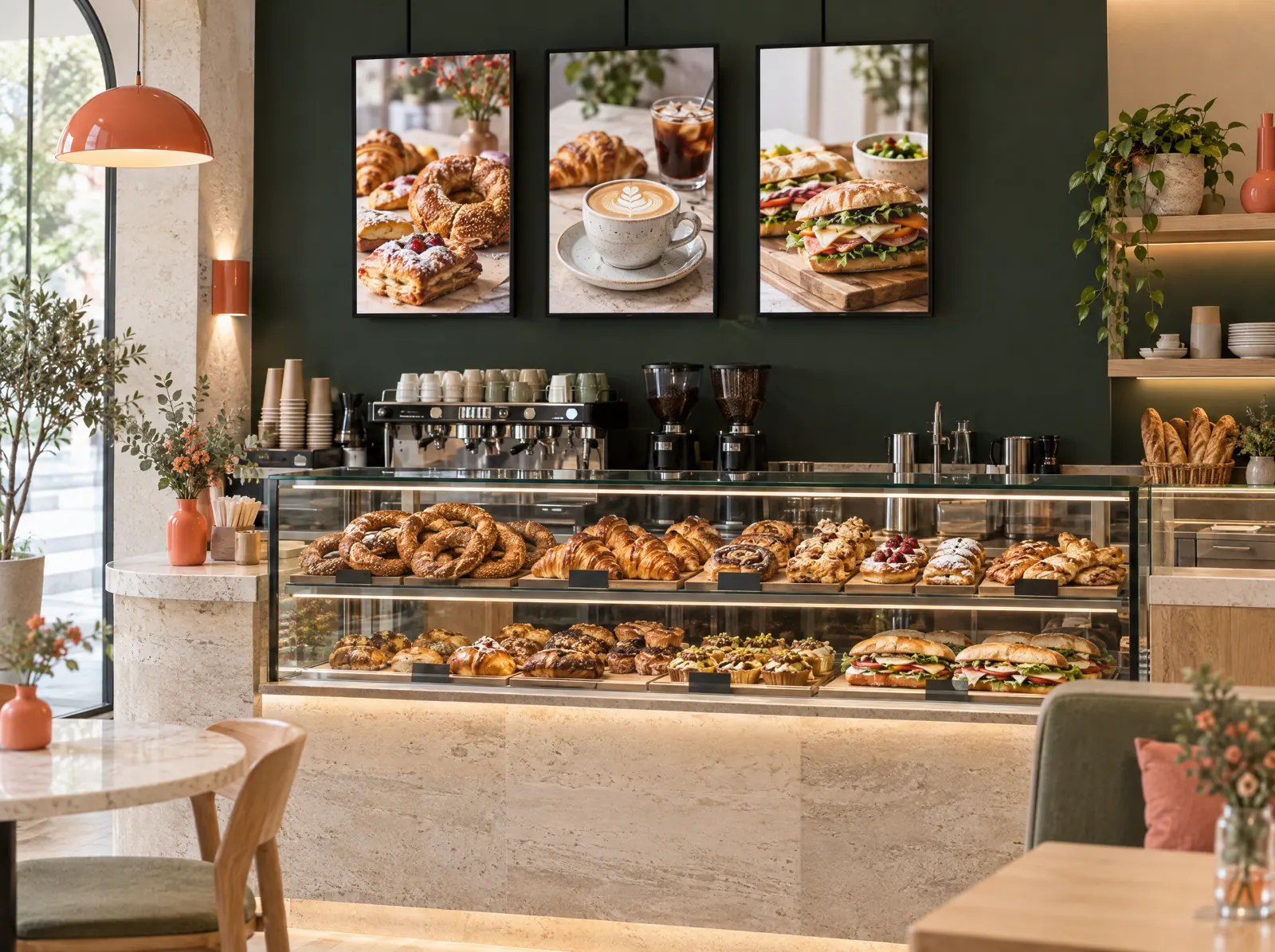
Digital menu screen: prices and sold-out change with the POS.
Mains
- Grilled köfteTRY 420
- Minced meat pideTRY 330
- Lentil soupTRY 145
- Shepherd's saladTRY 185
Drinks
- Turkish coffeeTRY 90
- LemonadeTRY 95
- AyranTRY 60
- KünefeTRY 210
Now
Dinner menu
Prices and stock up to dateWhat does it solve?
A printed board goes stale when prices change and the breakfast menu is still up at noon. Menu Board takes content from the POS and switches it by the hour itself.
Menu Board shows a digital menu on a paired screen (Android TV browser, Chromecast or mini PC): list, card and combo templates, images and animation, time-based menus, a promotion area, opening and closing hours. Prices and sold-out items come from the POS; content is updated remotely and the last content shows when the connection drops.
What happens on the floor?
What happens on the staff and guest screens, then what you do in the venue panel.
- The screen is paired with a code from the panel; several screens show the same or different content.
- List, card and combo templates; images and short animation.
- Prices and sold-out reflect instantly from the POS menu.
- Breakfast, lunch and dinner menus switch by time; a separate promotion area.
- Order call screen mode: kiosk and takeaway numbers.
What do you do in the panel?
Business panel: pergepos.com/app/…/screens
- Pair the screen and choose which branch and content it shows.
- Edit and publish templates, images and promotions from the panel.
- Time-based menus and opening and closing views.
- When the connection drops the screen shows the last content from cache.
How it works
From setup to the first order, the module's path through a service.
Step 1: The screen is paired
The browser on the screen shows a pairing code; it is confirmed from the panel.
Step 2: Content is prepared
A template is chosen, categories and images are placed, time rules are entered.
Step 3: Published and kept in sync
Content downloads to the screen; prices and sold-out update automatically from the POS.
Which package?
In the Pro package; 2,490 ₺ per branch per month (excl. VAT).
Added to the lower packages for 390 ₺ per branch per month (excl. VAT).
Prices exclude VAT and are per branch; two months free on yearly payment. The current amount is stated in the quote.
Frequently asked questions
Which screens work?
Any screen with a browser: Android TV, Chromecast or a TV with a mini PC. PergePOS doesn't sell screens; it publishes a compatible list.
Do I need to enter prices separately?
No; prices, options and sold-out come from the POS menu. Only the look is edited on the screen.
How many screens are included?
Two screens are included in Pro; more open with extra licences.
Used together with
This module is most often used with these.
- Restaurant KioskSelf-service ordering and payment, order number and call screen, upsell suggestions.
- Kitchen DisplayTouch kitchen and bar screen: stations, preparing/ready, timing, waiter notifications.
- QR MenuTable-side menu, ordering, waiter call, payment and takeaway; prices and stock synced with the POS.
Let’s set it up together.
Tell us about your venue and what you expect from this module; we'll work out the plan and quote together.